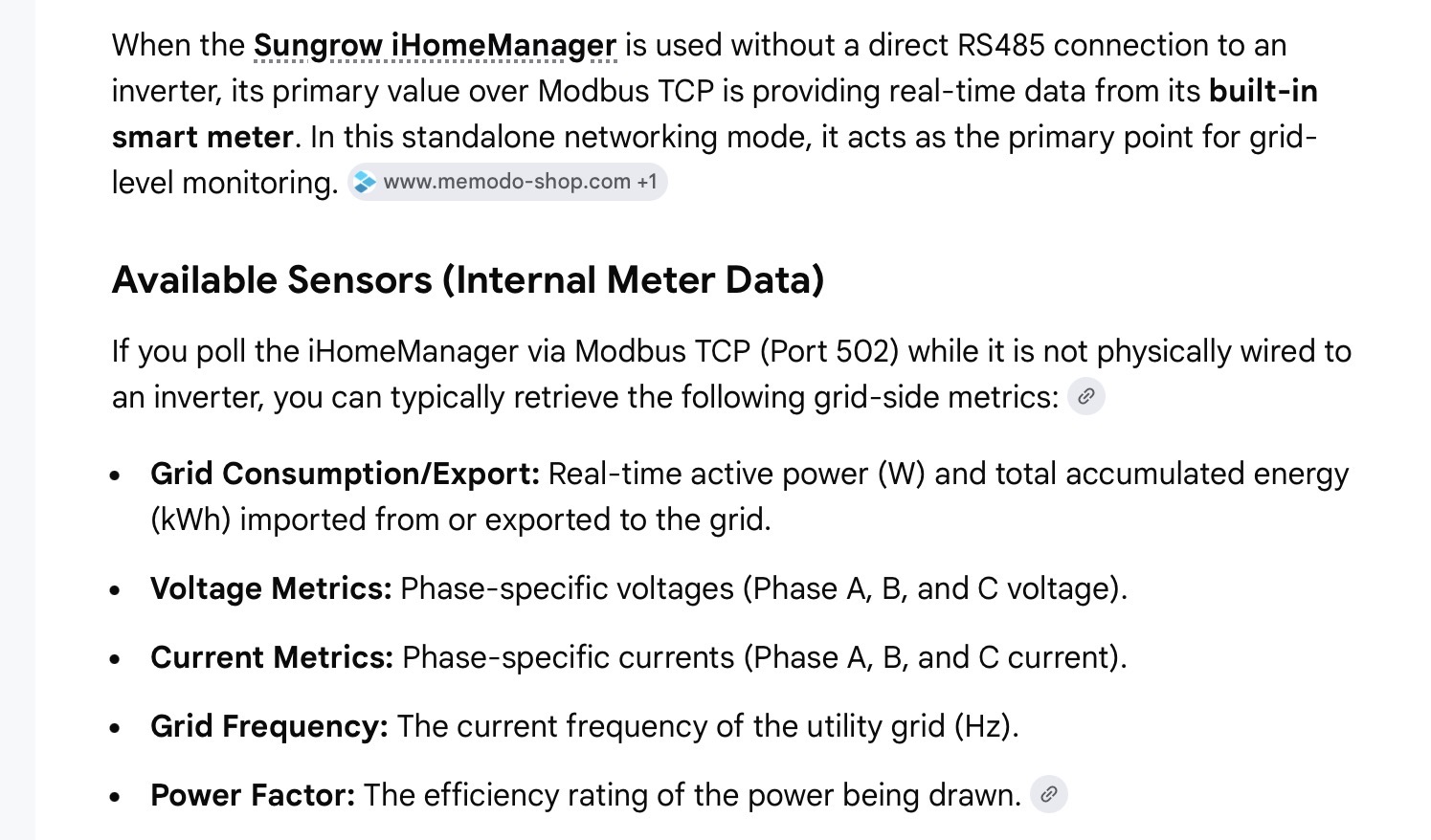
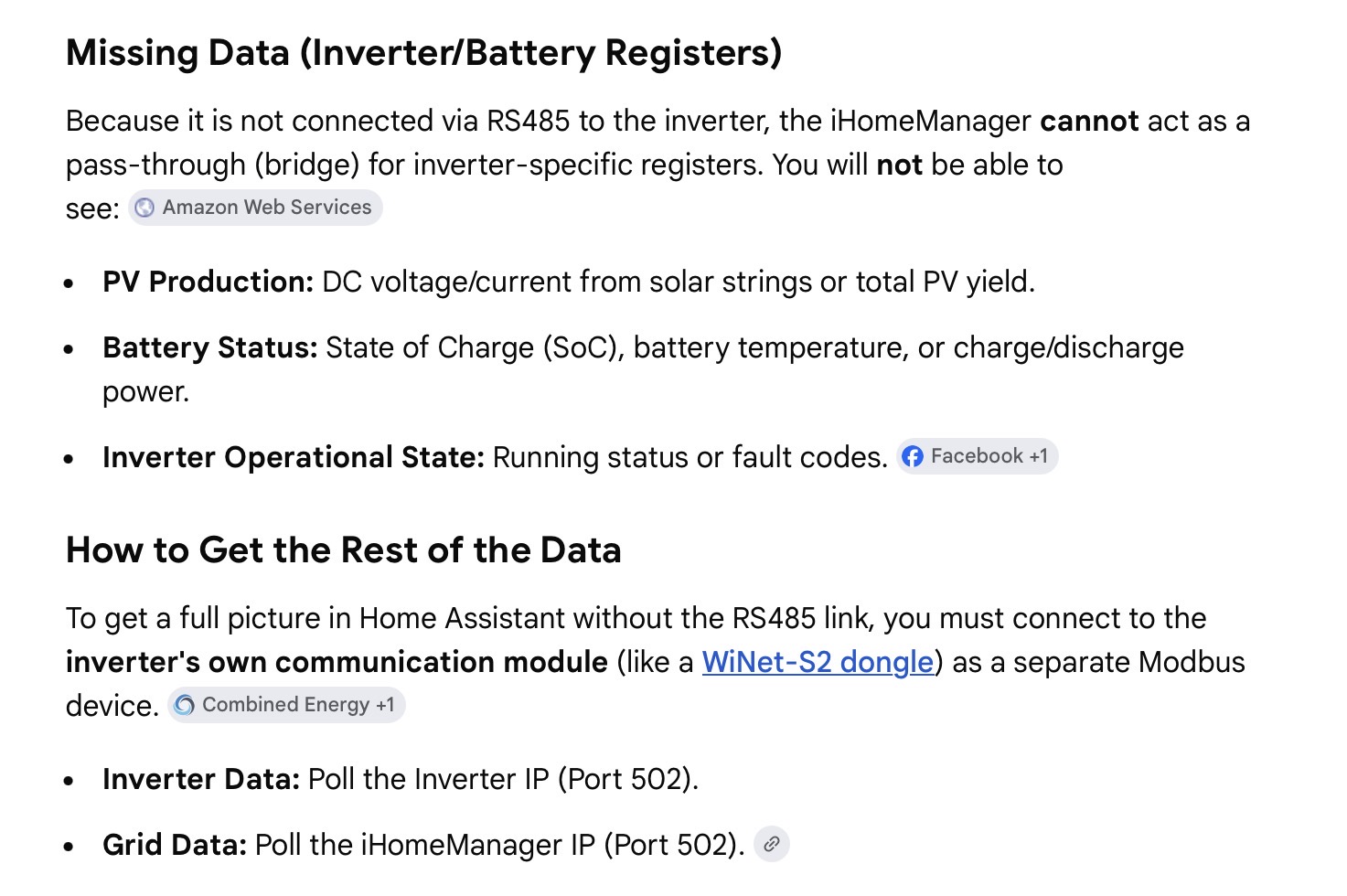
so your HA instance is polling the WiNet dongle IP (modbus port 502) - and you dont see the grid meter sensors (power etc)?
Can you also poll the iHomManager device wifi? (diff IP address , but might still be port 502?)
Can you log into IHomemgr via its IP address (does it have its own web portal?) & if so - do you see the grid info in there? (i have no knowledge or experience with IHome mgr)
Effectively you need to determine what register/sensors each of the two devices (inverter/winet AND IHomeMgr device can provide)
and if you dont have the RS485 link between inverter and Ihomemanager
you could try per below - how this is done in HA with mkaiser integration? maybe you have two instances somehow? .. because you need to point the integration at two different IP addresses..
(but for certain - having the RS485 link between the two devices would make it much simpler)
i had been using Battery Level for SoC.. however that reports the % of available battery (as defined by your Max SoC & Min SoC settings … NOT the absolute battery SoC - which is the nominal sensor)
for example, as default the min SoC is set to 5% … and i then set Max SoC to 96% … but i was still seeing it report 100% (when using battery level)
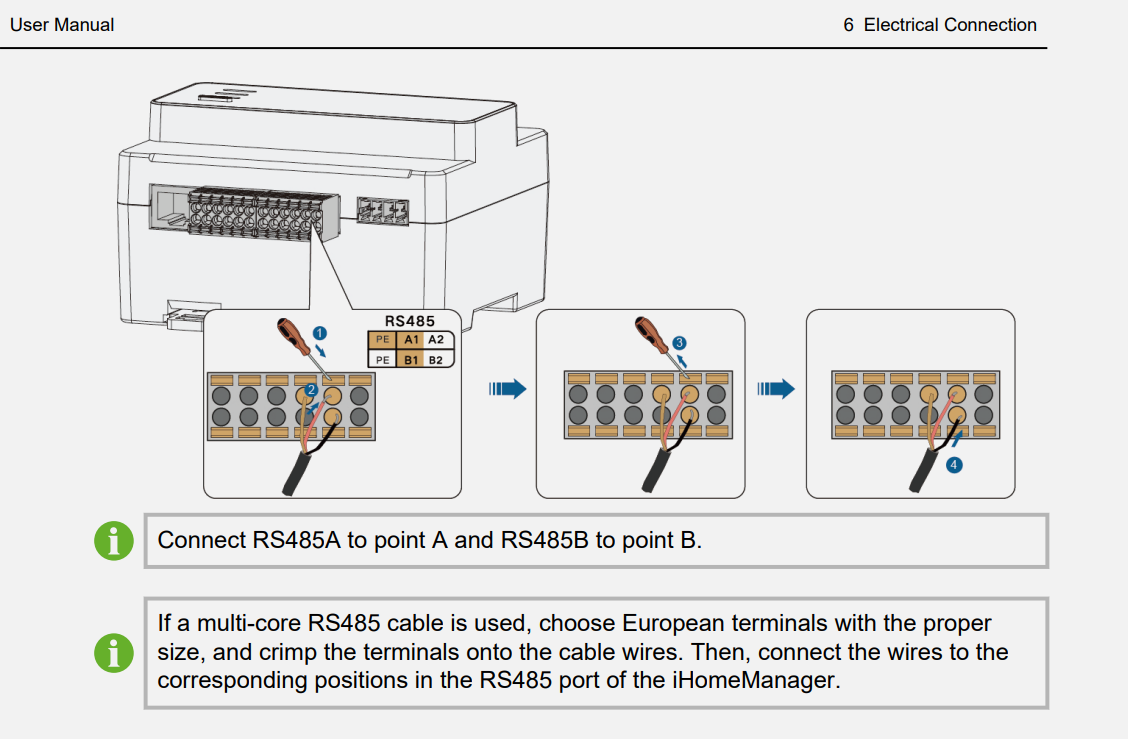
RS485 is just 2 wires - depending on the distance between the two devices, just a peice of Cat5 cable using one of the twisted pairs (there are 4 pairs in a cat5 cable)
RS485 terminals will have A & B terminals (at each end) A to A, B to B
couple of “cautions”
i) ensure you have the correct wiring for this from the respective manuals (there are multiple RS485 ports on the SH15/20T … aka Meter, Logger, etc ) … critical that you use the correct ports when interconnecting between them..
ii) i have no experience with this, so unclear if there are config changes you need to make in one or both the devices (Ihomemanager & Inverter) after adding the RS485 link
HA on HA green h/w … as a newbie to HA at the time & with no experience on containers, and rudimentary linux knowledge - i went with the easiest & quickest to get HA working reliably (& it was and has been)
OK. I did note this suggesting not to use Cat 6 etc and to run the cables in a different conduit to the power. However I only have a short run of about two metres.
Unfortunately, my inverter is inside the garage but the iHomeManager is under the meter on the external wall so it’s going to be a bit of a hack to get this hooked up. It’s not going to look pretty.
I suspect this is the sort of thing the @techman or @Belfry know all about.
for a distance of 2m - cable will not be critical - RS485 is very robust .. and 2m is nothing!
for yr 2m instance. Cat5/5e/6 should all be just fine - not sure why they say no Cat6?
definitey avoid if possible using the AC mains conduits ….
yes i hear you about routing cables .. and yes getting from the meter box to inverter … can often be ugly (mine way back when, was 15m… under exist concrete paths… cost me $1k++ … concrete trench cutting, and re doing concrete et al) .. but “2m” sounds rather short!
sounds like you need to break out the (hammer?) drill … good luck
How does one make mkaiser the source of truth for one’s power settings?
I understand that blocking Sungrow sites with pi-hole is considered the most effective and I could not find a way to turn off the iSolarCloud override in its settings.
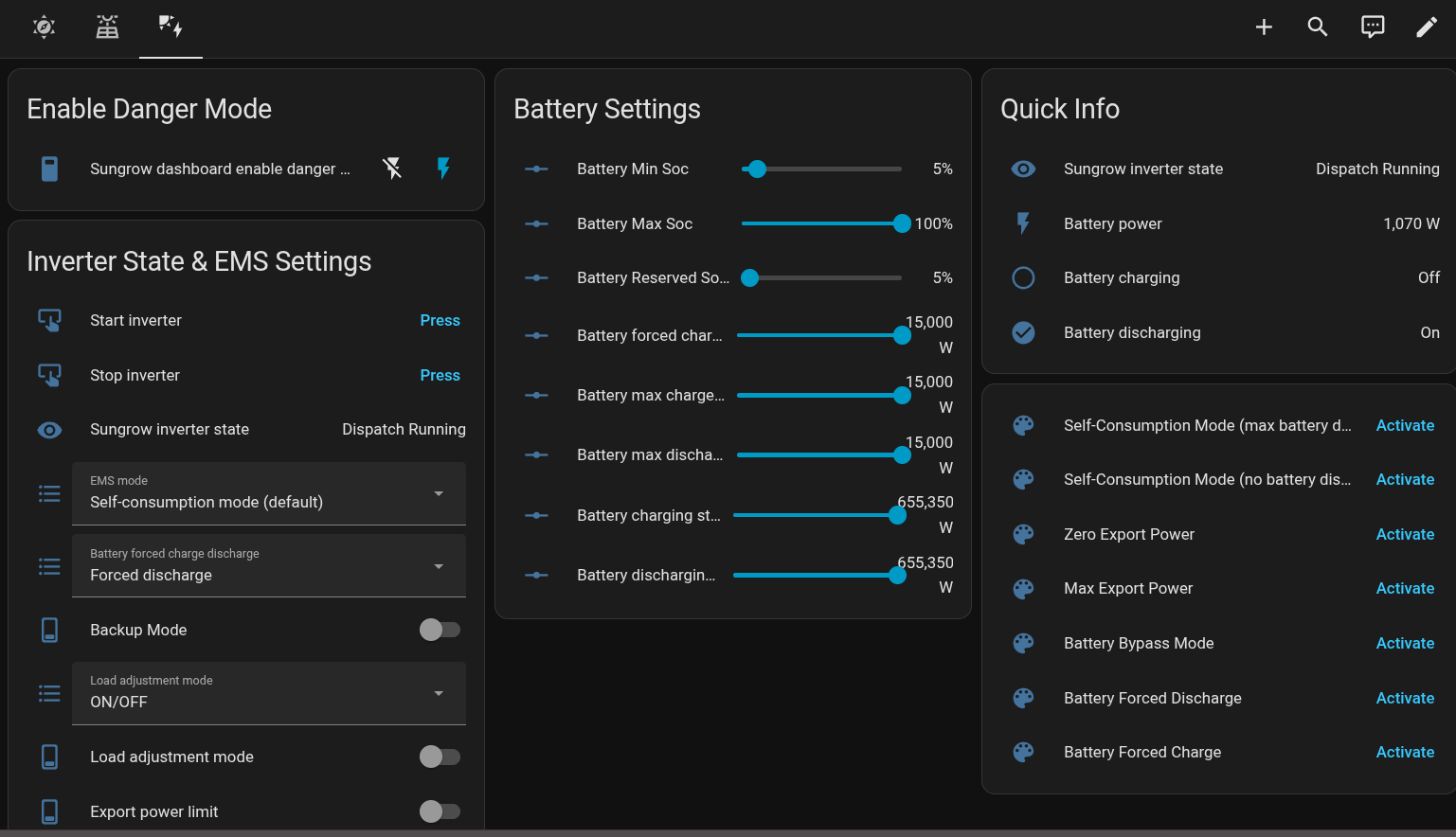
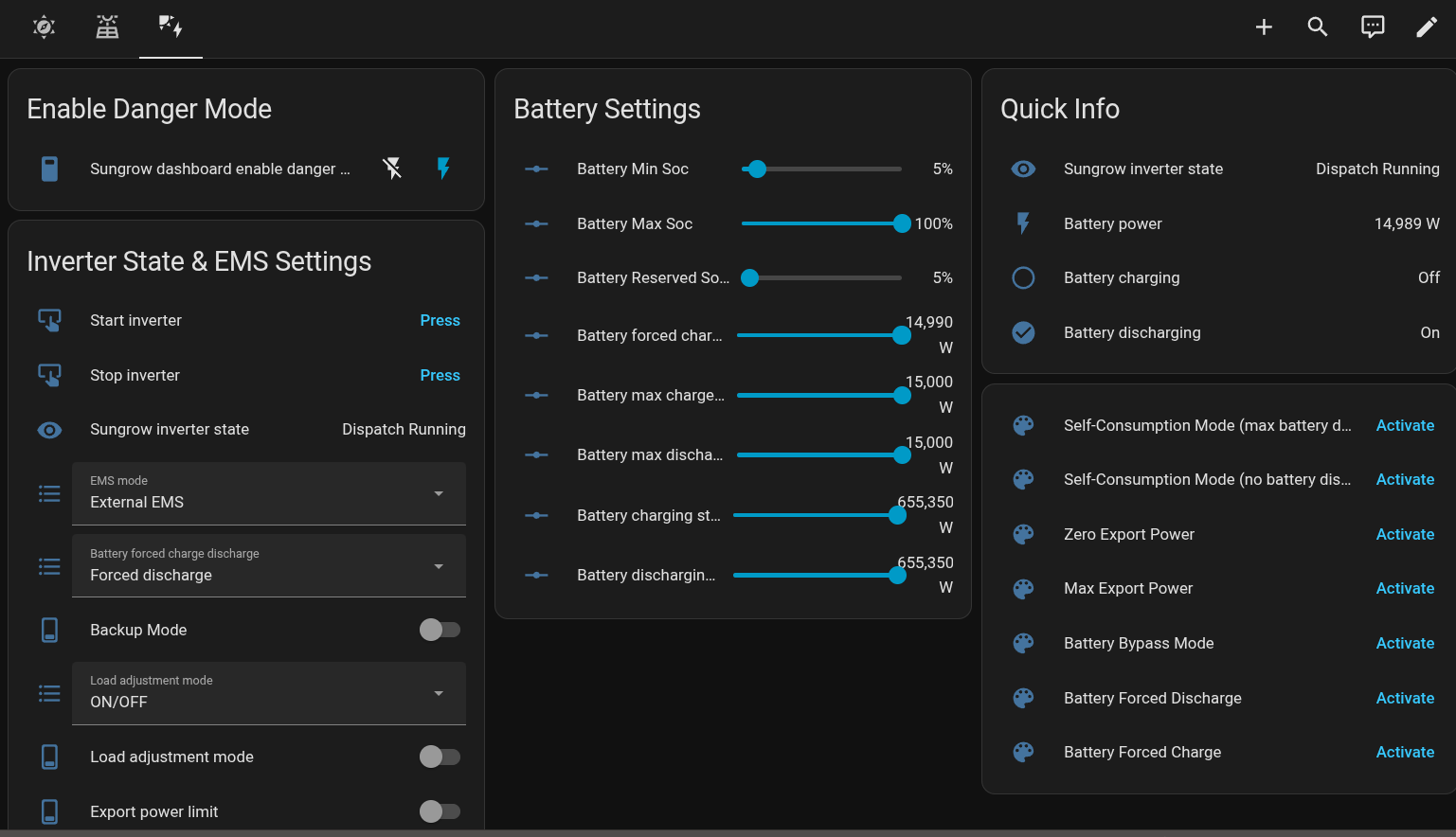
Using the mkaiser dashboard yaml that you recommended, it is possible to enable “Danger mode”. I select Self-Consumption Mode (max battery discharge) and those settings take effect.
I’be been following the feed in price the last few days and peak demand seems to be about “dinner time”.
I presume price spikes are a combination of increased demand (air conditioners on a hot summer’s night) and some other adverse event in the network (generator goes off line). Once it hits every man and his dog and his generator fire up, so the peak is very short lived.
@Ceasar909, do all price spikes you’ve seen occur in the 17:00 to 20:00 window?
ah thats interesting (& annoying) and very timely for me … as Im about to start setting up some “forced discharge” (battery feed in) … and have been trying to get my mind around
Isolar settings (for which i dont think my installer has set me up correctly with “priveledges”
Config via direct web GUI (local IP address)
home Assistant control
but i can see the issue - if for whatever reason the Isolar cloud is “over riding” the local control
i wrongly? assumed that if you made a change “locally” it would update/reflect into the cloud …
It did for example when I set the max SoC to 96% (the cloud hasnt changed it).. but maybe its “mode” control has different priorities?
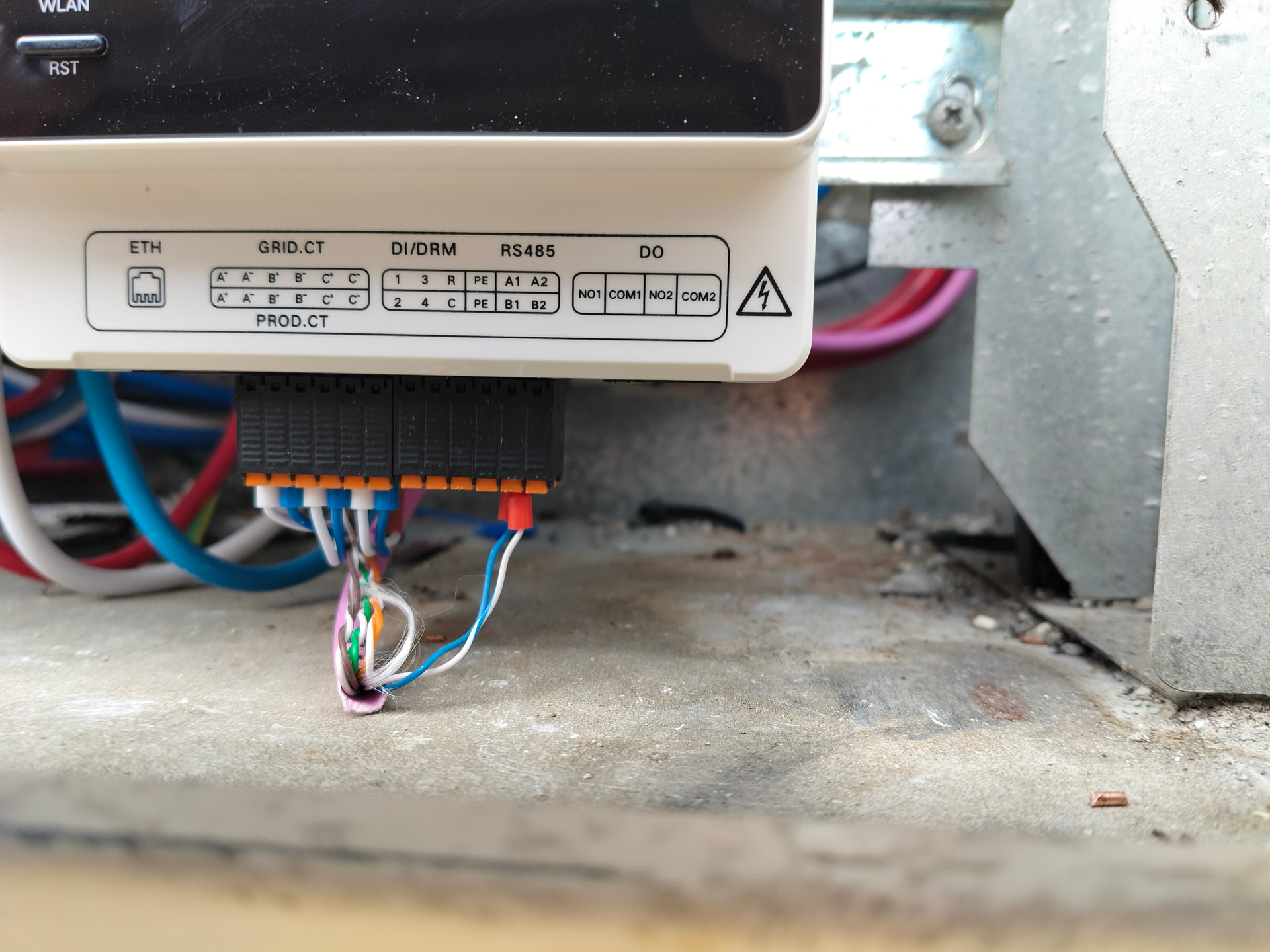
definitely RS485 connected on port 1 .. can you go look at your inverter - as presumably you should see the same colored wires on one of its RS485 ports …
which in my mind makes sense - because if the inverter “couldnt see” the GRID meter (via the IHomemanager - to which it appears to be connected) … then it couldnt operate in “solar consumption” mode .. so subject to your confirmation - i would say “yes the RS485 link between them is there “ (good! no drilling!) so then the question remains - why cant you read the respective register/sensors from the inverter (winet)?
All 2 of the spikes that have occurred have been in the evening peak window.
Amber has teased me a few times in the morning that spikes will occur later in the day, specifically in the peak window, but it has fizzled out as, presumably, other assets come into play. This has happened a handful of times, more often than spikes, but still not often.
Sorry I’m a bit late coming back to the discussion!
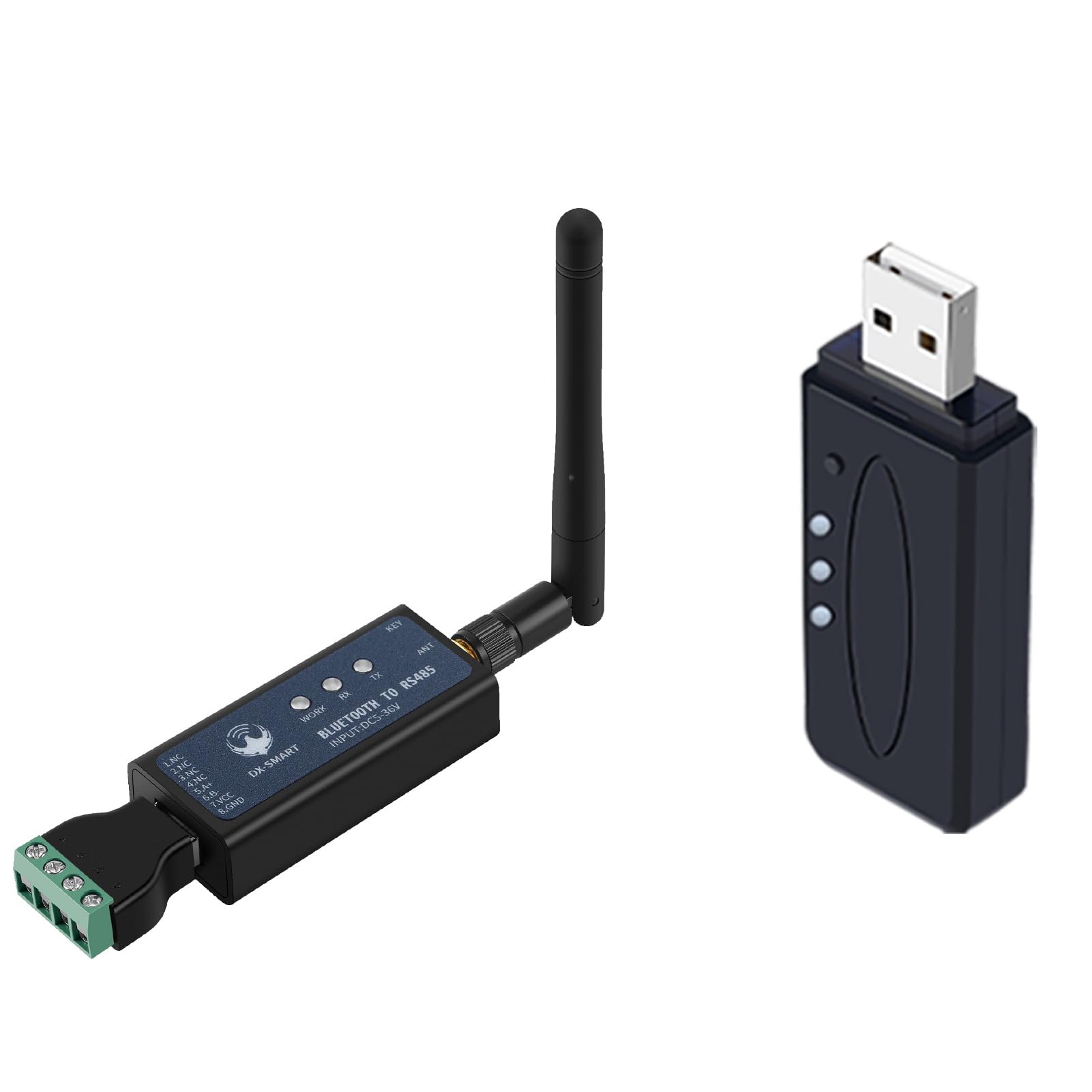
Big disclaimer - I don’t have a battery and am not familiar with iHomeManager. Having a quick look at the product, it seems as if I’m essentially doing the [non-battery] management side of things myself (e.g., forecasting, scheduling appliances, etc.). At one stage I was going to get a cable run out to the inverter to use RS485 or use an RS485 dongle as @techman suggested, but didn’t need to as I was determined to get everything working reliably using Modbus over TCP. I figured the Modbus over TCP approach was less problematic from a “potential voiding of the warranty (or at least arguments about warranty)” standpoint as it was less intrusive. I didn’t need an installer account either, and left the iSolarCloud side of things as it was. The Modbus over TCP side of things can be set up locally via the inverter with no changes to the iSolarCloud integration or installer access.
Having said all that, based solely on the above discussion and a quick skim of the product page on the Sungrow website, I suspect the iHomeManager product is continually writing Modbus registers to the inverter to control things which is why your changes are being overwritten. I’ve collected a pile of Sungrow documentation and some notes in my efforts to get my own setup working and will have a look through that for iHomeManager references when I get a chance to sit back down at the workbench.
@zeeclor’s link from April 3 mentioned an interesting looking project on GitHub that works on top of the mkaiser Home Assistant integration (not sure which version, it could possibly be the pre-rebuild version from last year rather than the current one) and interacts directly with iHomeManager instead of the inverter.
Although I don’t have any personal experience or the equipment to test it myself, my 2c is that it’s worth exhausting any Modbus over TCP route directly with iHomeManager (rather than the inverter) and also worth investigating that sungrow_ihomemanager integration linked by @zeeclor before trying to roll something out via RS485 on the inverter. I suspect that you’re going to run into the same issues with registers being overwritten on the inverter if you go direct to the inverter, and I don’t see any reason why Modbus over TCP wouldn’t work with iHomeManager similarly to my standalone inverter’s setup given that there’s a solid looking Home Assistant integration posted on GitHub already.