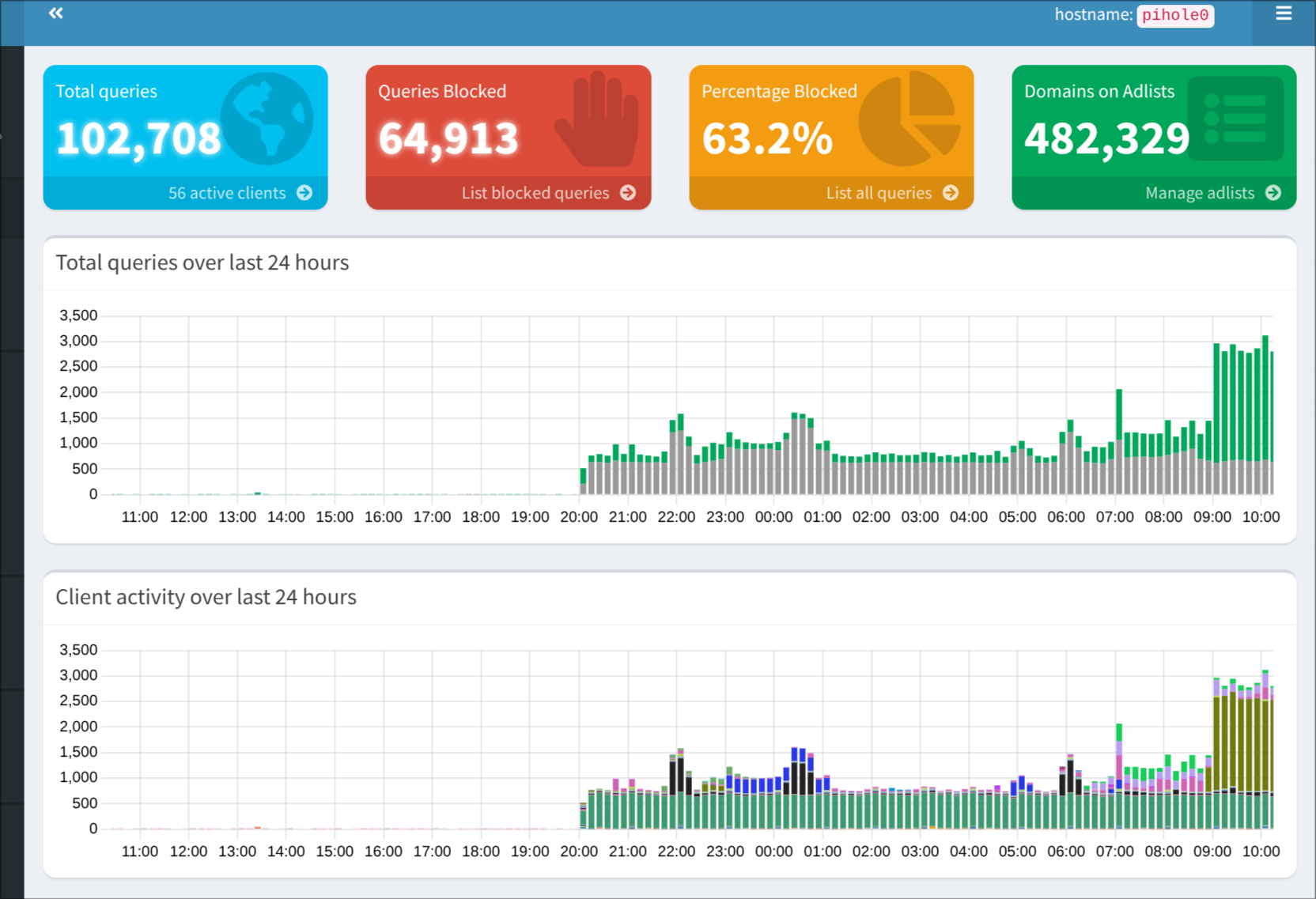
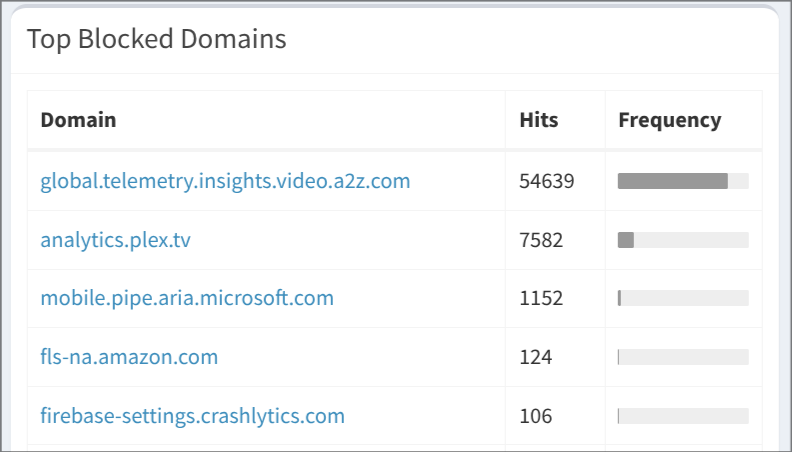
Following last night’s talk by @Belfry I have reinstated my pi-hole DNS resolver. It is running in a docker container and has interface settings set to permit all origins.
I have not made it my DHCP server at this stage but with a bit of re-configuring of the network that is a possibility. For the moment dhcpd is handed by the Draytek router. Is there an advantage it getting pi-hole to do dhcpd?
Also what are some recommended block lists? A good use case in our household would be Facebook ad blocking.
I personally use a few Hagezi and a few Steven Black ones at the moment, but have used all four of these in the past. There is a lot of overlap, but a generic “ads” one might be a good place to start, and you can add to it or customise it from there.
The other suggestion I’d make if you want to beyond those four (and any other personal recommendations that others from HLB have) is to sign up with a free NextDNS account and have a look at what blocklists they offer under the Privacy tab. They offer the four above, and several more.
I’ve never used the DHCP server built into Pi-Hole/AdGuard/etc. as I’ve always had a robust DHCP server already (e.g., OPNsense, OpenWRT, MikroTik, Uniquiti, etc.). I’m not certain, but I’d say that Pi-Hole and AdGuard probably have dnsmasq under the hood doing the DHCP and DNS (as would the Draytek, probably). This is going to come down to pure personal preference - if you have a stability issue with your existing DHCP server, or you want some more flexibility than the Draytek offers (e.g., DHCP Options for PXE Booting or custom NTP servers, etc.) then maybe move across. Otherwise, experiment with the ad-blocking side of things and then re-assess the situation once you’ve found a config that works for you, your household, and your homelab.