Running your own mail server is easy. I’ve done it for 25 years.
Back in the day we were just a bunch of long hair hippies, believing in peace, justice and free love. You fired up sendmail and away you’d go. For the less technically inclined there were install discs for a distro that would get you up and running pretty quickly. You couldn’t talk to anyone outside your school or work but internal email alone was a great boon for business.
It didn’t take much to communicate with those outside your walls. By the time the internet came to Australia there were Domain Name Servers where you could map your IP address to a name. Enter some values in the record and you could mail either nextdoorneighbour.com.au or pentagon.mil.
Then the dark side sprang into action. There was spam and scam, worms and viruses, trojans and phishes and a host of other types of malware. It was a whole new industry.
And another whole new industry grew up to counter it - antivirus software, firewalls and intrusion systems, layered internal defence systems and the like.
One used to just publish your mail IP addresses in your DNS record but these days you also need Sender Policy Framework (SPF), DomainKeys Indentified Mail (DKIM) and Domain-based Message Authentication, Reporting and Conformance (DMARC) for your mail to reach its target. Large, fancy organisations can also add a Brand Indicators for Message Indentification (BIMI) so their logo shows up in your email client next to the sender’s name.
SPF states which servers can send mail on your behalf. It could be you or it could be Google or Yahoo or a dedicated mail service like Sendgrid, Postmark or Mailgun. DKIM signs your outgoing mail using public key encryption.
If these two both pass a recipient can be pretty sure that an email has come from your mail server(s). However, most users never look at the headers of any email and a spoofed from address in the GUI would pass if it were not for DMARC. DMARC also specifies what senders should do if either or both SPF and DKIM fail. If you are just starting out sending mail you can set the value to none meaning it goes the recipient’s Inbox. Quarantine with drop it into the Junk folder and reject emails are not processed by the email client.
DMARC can also provide feedback to senders on how their mail is being processed by receiving systems. Is the mail passing or failing SPF and DKIM? As the sender improves their success rates on these two parameters they can change their DMARC to increasingly aggressive settings.
So life is good. Well, not quite. It is possible for large organisations to get hundreds of DMARC reports each day and processing those manually is nigh impossible. Even for a small site like HLB it is tedious to process these reports and for those email list providers sending out thousand of emails per second it is essential to have highly efficient DMARC processing. Groups like Red Sift, easyDMARC and DMARCReport provide this service.
However, as homelabbers we like to do our own thing. patschi has created the “dockerized self-initializing parsedmarc docker stack for lazy people”.
After hitting a number of random keys over the course of a few hours I was able to create this chart for discourse.homelabbrisbane.com.au. I don’t know what it means, if anything, but it looks pretty and was my first entry into the ELK stack.
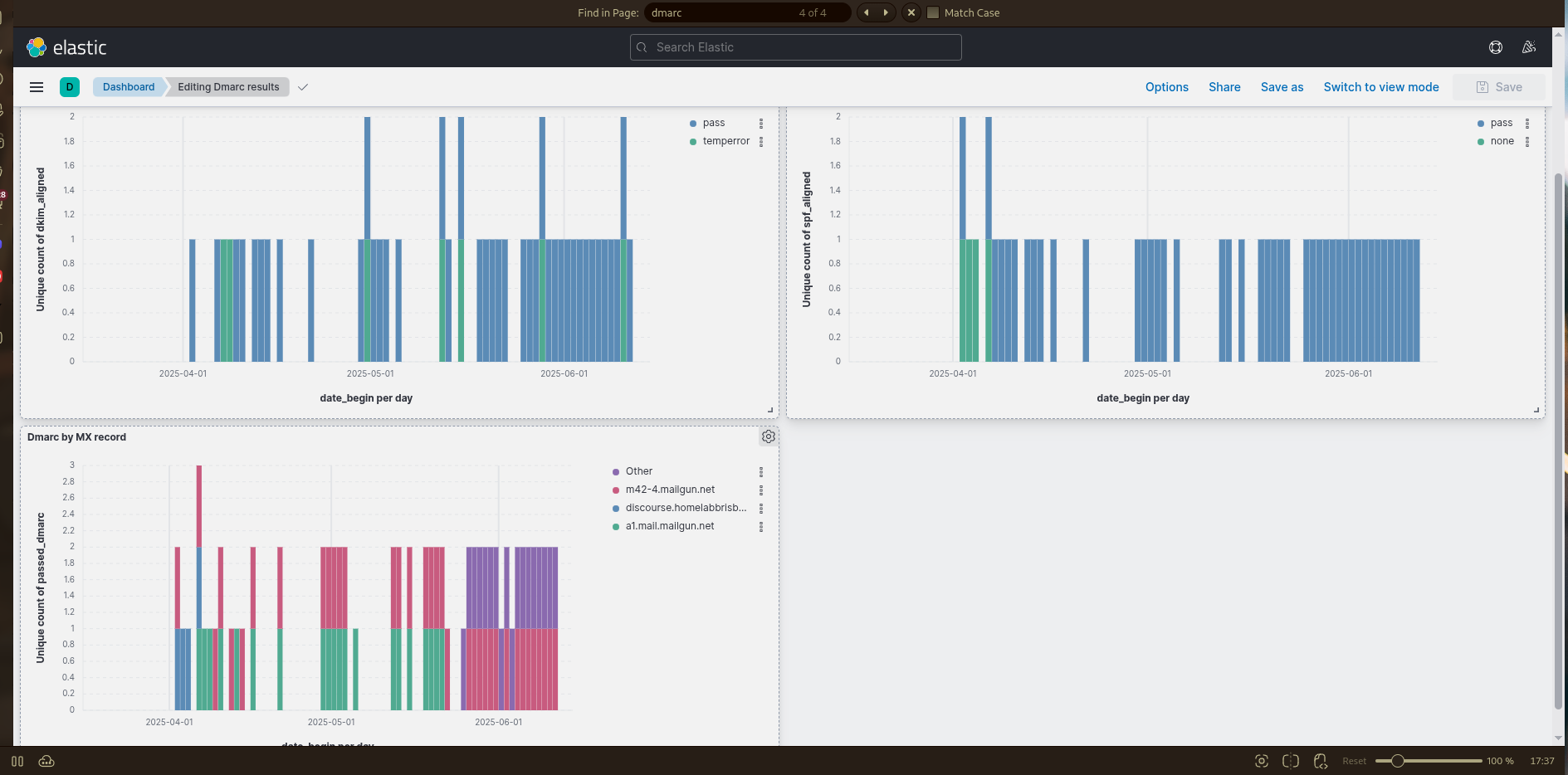
Hopefully over the next few months I will learn how to drive it.
 . Purely anecdotally, MTA-STS cut out a lot of spam. I wonder whether the major “spam vendors” (for lack of a better term) are a bit slow to implement STARTTLS or if I’m seeing something that isn’t there.