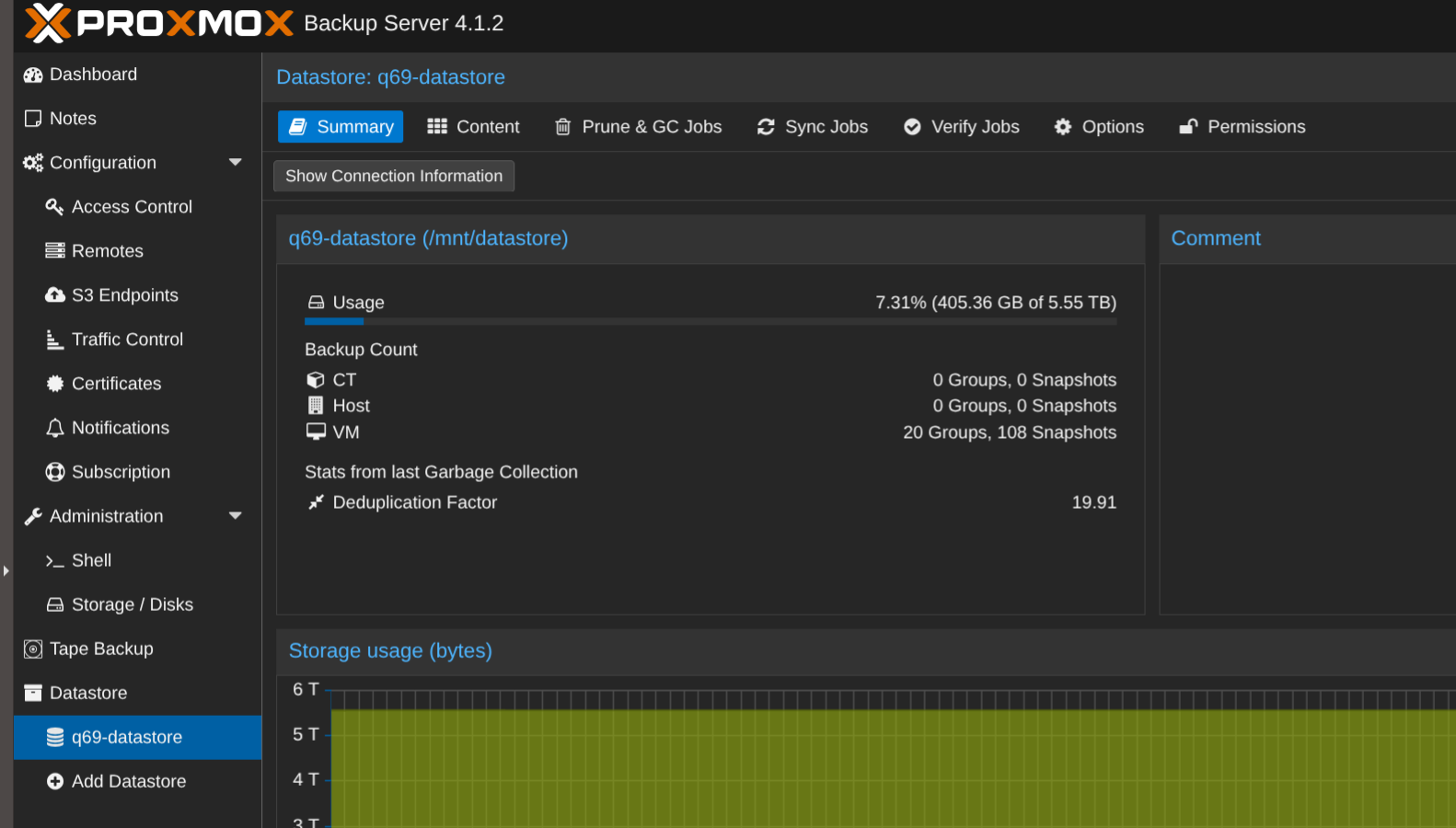
TL;DR: You can install PBS on an old QNAP.
QNAP
Some of us have a QNAP NAS. In fact I have several and one of them is an old TS-473 that was just lying around.
QNAP has been around for quite a while and it has an extensive range of plugins. However the machines are largely underspeced to do much. Mine has 8 gig RAM and a 2x AMD Opteron 63xx class CPU (1 Socket). It does have 5 terabytes of storage however.
It is possible to replace the QNAP linux based OS with your favourite flavour of linux but I stuck with the original since it does talk nicely to other QNAP devices. Although the interface is clunky I have learnt to deal with its idiosyncrasies over the years.
Proxmox Backup Server
You can run proxmox backup server (PBS) in a vm but this is not a good solution if that vm is part of the hardware cluster that you are intending to backup. (If the hardware fails the backup is gone as well.)
However PBS in a vm on separate stand alone device solves that problem. Since the TS-473 was not doing anything I gave it a go.
Virtualization Station
QNAP has a “Virtualization Station” for VMs. (It also has a “Container Station” for docker if you want to go down that track.)
To setup the vms you need to add a “virtual switch” which is QNAPs terminology for a bridge. The GUI will create the virtual switch from one of the adapters but confusingly it suggests that an IP address persists on the bridge.
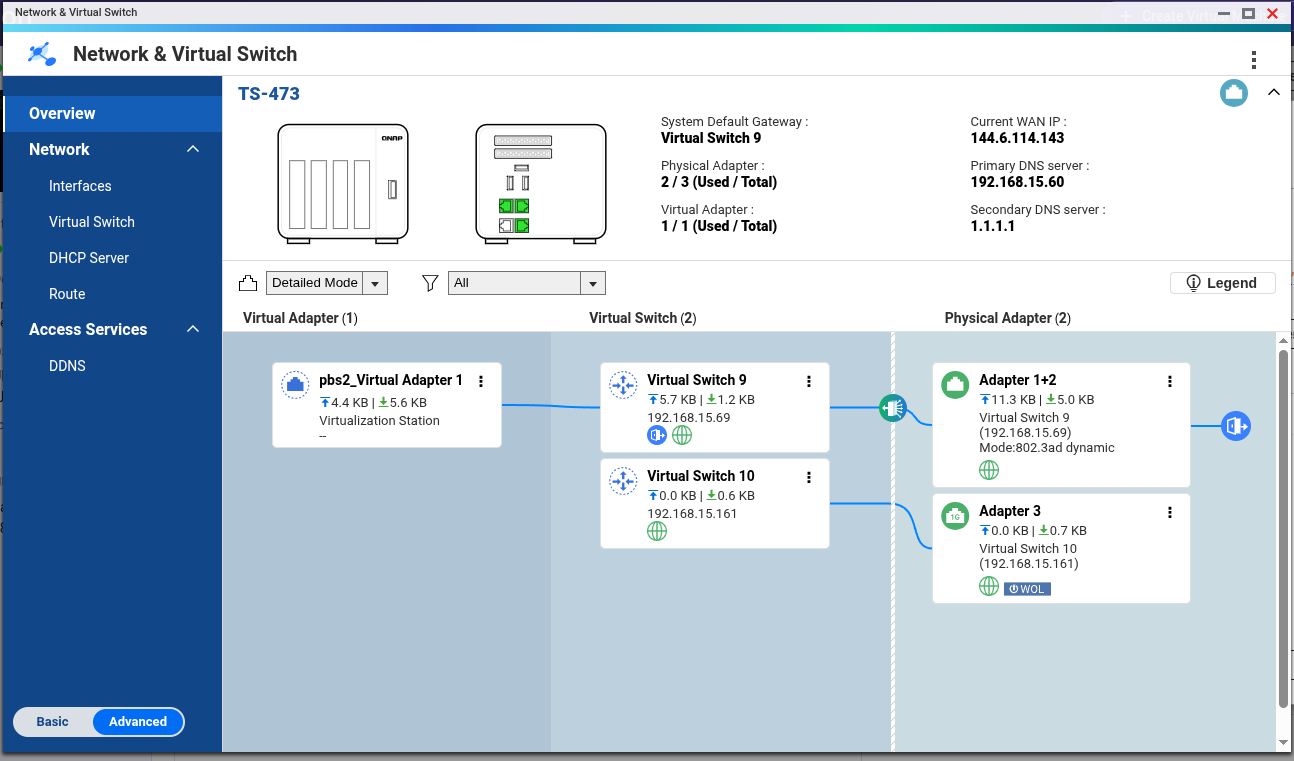
I was also hoping to push a couple of vlans over the bridge. The GUI interface enables one or more vlans but you cannot add an untagged network as well. There may be a way around but I gave up in the end.
There are four adapters on the QNAP all 1 gig connections. Since my new Draytek Q2200x has 2.5 gig adapters (plus 4 x 10 gig) I opted to create a bond using 802.3ad which is one of the options. I am getting an increase in download speeds but I have not measured specifically. The PBS talks to the virtual switch.
Install a VM
The Virtualization Station will be pretty familiar to most. It runs through a setup wizard in the standard way.
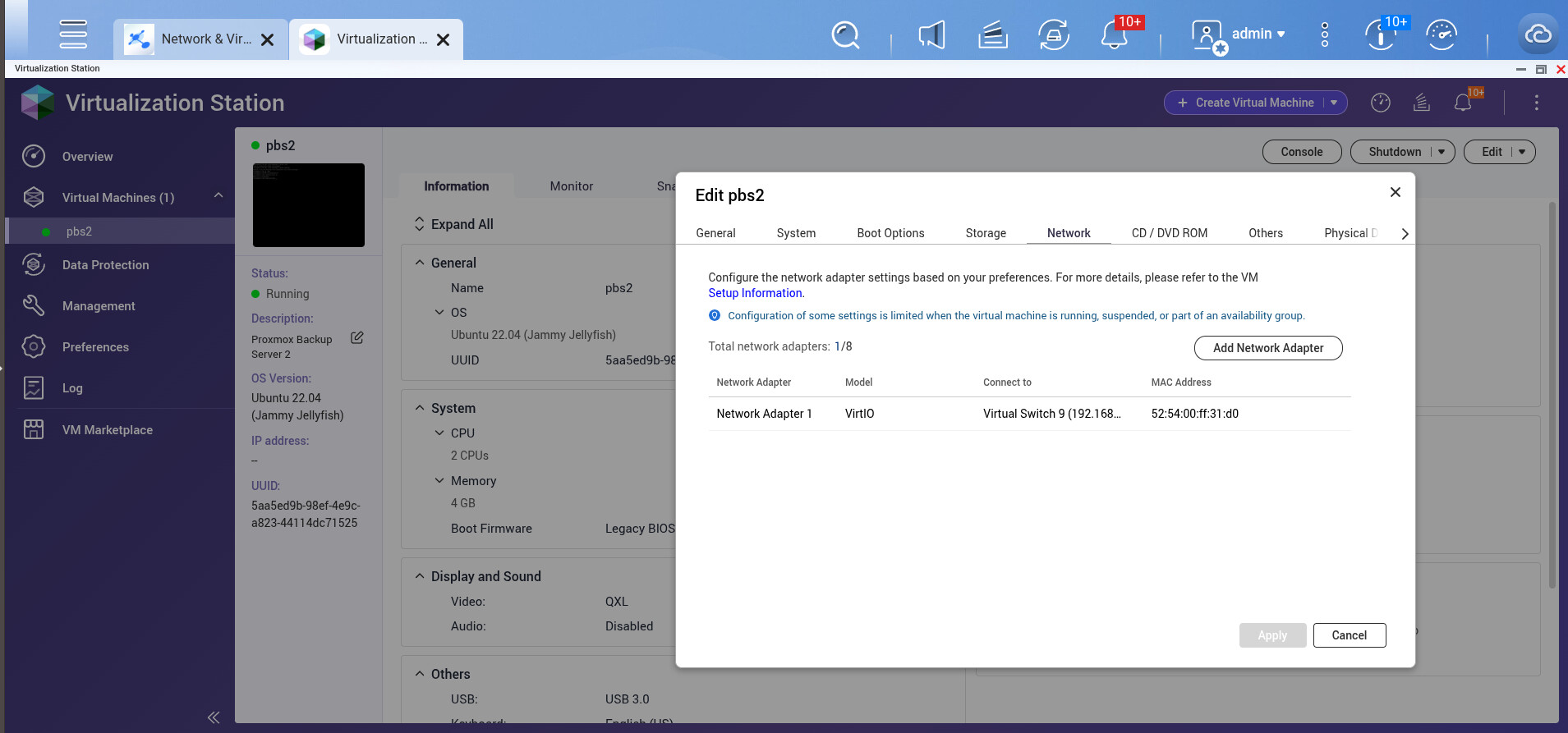
I installed a 32 GB virtual hard drive and accessed the rest of the QNAP storage over NFS. This turned out to be a little trickier that I expected but Andreas Hardware has a good howto. Wenn dein Deutsch ist nicht sehr gut, you can turn on captions and then change the mode to auto-translate. If you take it slowly you get all the steps.
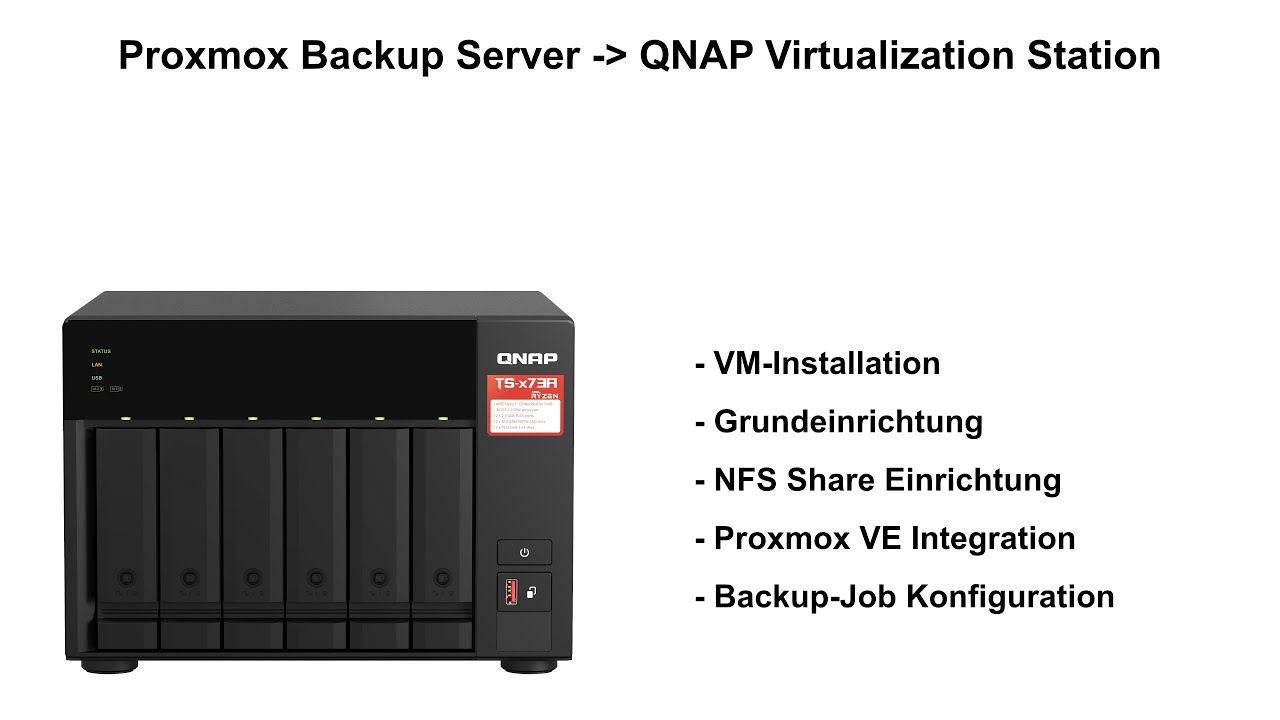
So after slotting PBS into your proxmox cluster you can automate your backups on schedule.
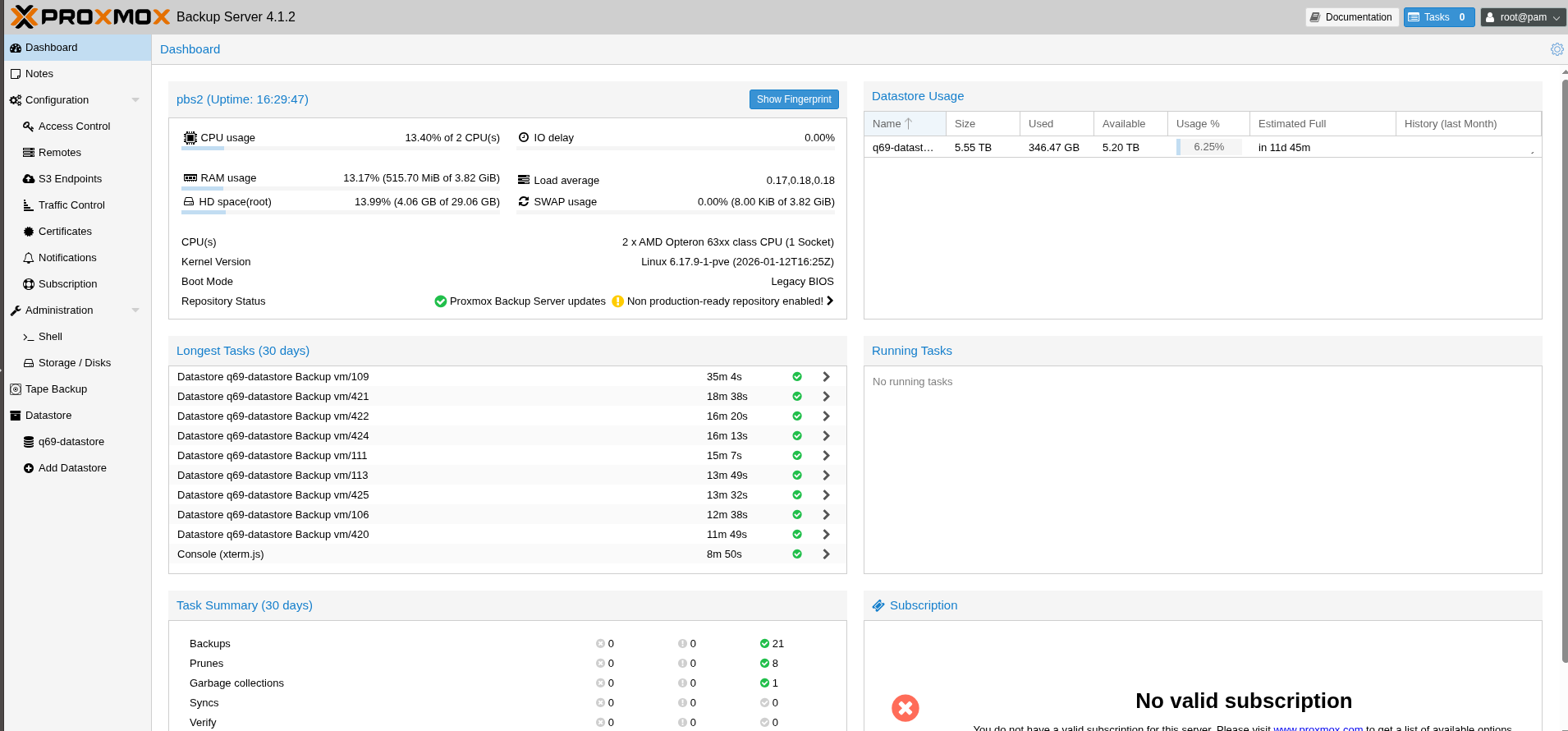
Hopefully, now it’s set and forget.