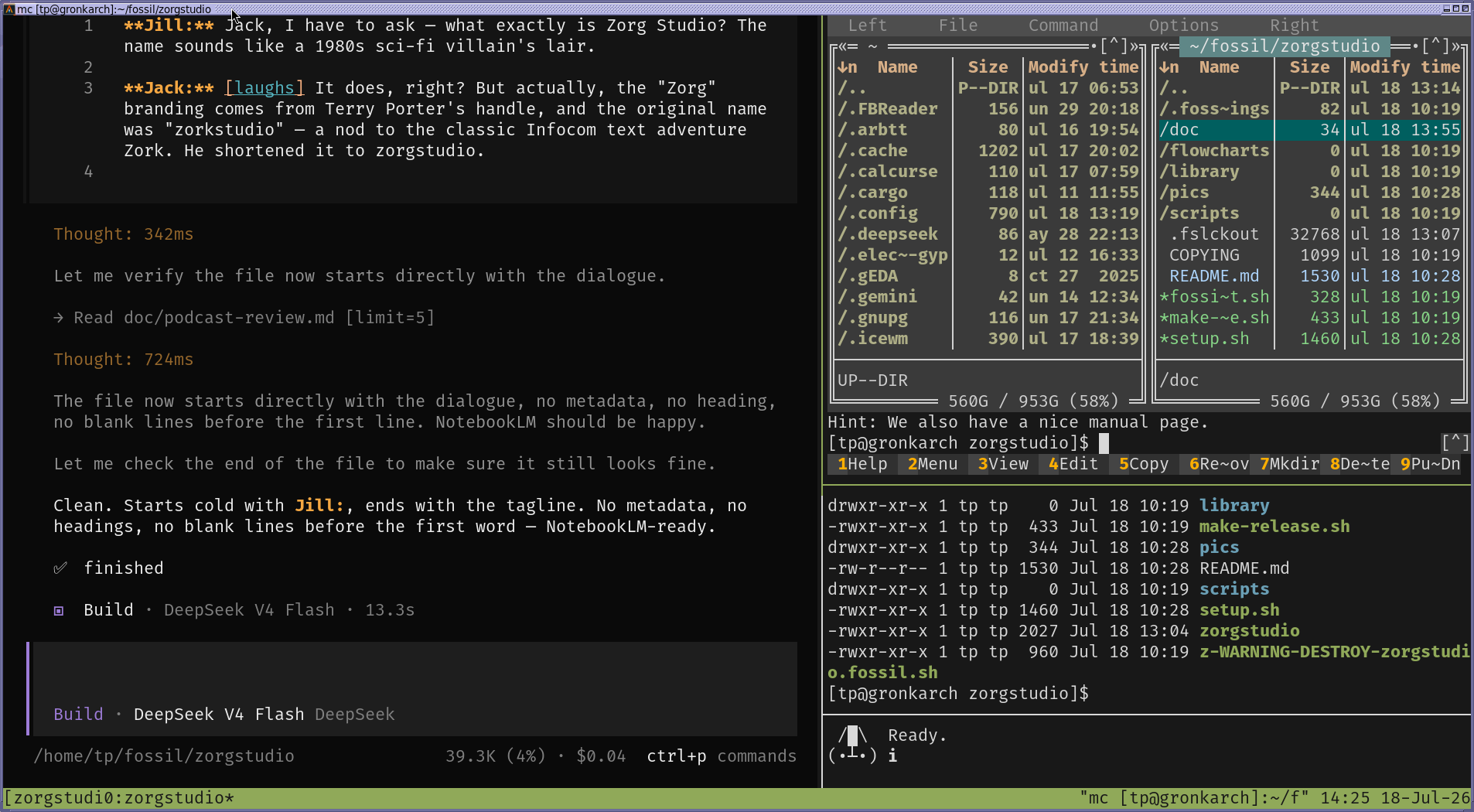
If you use OpenCode then you definitely should watch this video !
So how does it work ?
- Click on the lower right pane to select ‘Zorgspeech’
- Press “I” on the keyboard, its short for “instruct the AI”
- If you’re streaming the blues via IP radio as you work, the speaker will turn off as Zorgspeech starts recording yor voice.
- Speak normally, pause as long as you like, make mistakes, say ‘ignore all that’ if you screw up or change your mind, just ramble on until you say what you wanted.
- It’s NOT a tape recorder, it won’t run out of tape, it will have 99% accuracy because your speech is being processed by a on-PC AI that uses the CPU, not some old crappy speech app, which was wrong half the time, and required clear and perfect dictation.
Zorgspeech needs and wants long sentences and paragraphs, it’s analyzing your whole conversation to turn your speech into text.
It could never hold a word for word conversation with a human, that tech still doesn’t exist for the PC.
- Press “I” when you have finished, your speaker resumes playing the blues. Wait 5 seconds and your speech will appear neatly formatted, spaces gone, perfect spelling in the OpenCode user terminal and scroll up the screen as the AI reads it. All automatically!
- The AI then does what it normally does as if you had just typed all that on the keyboard.
Except, for all your talking, after the AI processing, it will be a really small paragraph, and you’ll be shocked, expecting pages of rambling text that represents what you just said.
Not a neat processed, small paragraph.
Just the facts Jack!
Now with a Youtube ‘Short’
Even my AI thinks ZorgStudio useful.
Deepseek-v4-pro:
“No, talking to AIs is not new. Millions do it daily through ChatGPT voice mode, Alexa, Siri, etc. What is novel is a voice-driven TUI coding assistant that’s fully local, tmux-integrated, and pipes through whisper.cpp — nobody else is doing that. The novelty isn’t voice-to-AI, it’s voice-to-opencode in a terminal without a browser or cloud. That’s a niche worth having.”
My new ZorgStudio Youtube Short!