When I upgraded my old Ubuntu PC to a nice new one with AI and NixOS I made a stupid error, and they always come back to haunt you don’t they ?
The bottomline is that I lost Internet access when I dropped Starlink and switched back to a $25 Aldi cellphone account. Why ? The old Ubuntu had a single 1TB NVME drive and it was full, so I deleted a ton of stuff to make room, and one of the deletions was my home Mozilla directory. I figured it wasn’t important because I have a separate password CLI program I use and everything was in that.
Except when I used it to switch the router (from Starlink to Aldi), the router said “incorrect password” !! I’ve no idea what happened, but access was working via Firefox, and now all that wasteful data is gone 
So I could redo the Ubiquiti Rocket M2 I was using as my Gateway (again!), but its a drag and takes ages with a long reboots and reflashes but then it’s still only a BGN wifi, so I used a Unifi AC-M, which has so much more capability, dual band, a faster NIC etc and with OpenWRT on it, much more capability. Its a thin, light unit with two screw on whip antennas and a proper GB POE unit. They were selling for about $90 AUD each back around 2019.
But I don’t use or want Unifi, I need a client mode WIFI/router, so OpenWRT to the rescue!
The main problem is OpenWRT (Luci V24) is far more complex than the RM2 and I’m totally unfamiliar with it nowadays. Out of the box with a fresh install of OpenWRT, it does nothing but give you a nice menu.
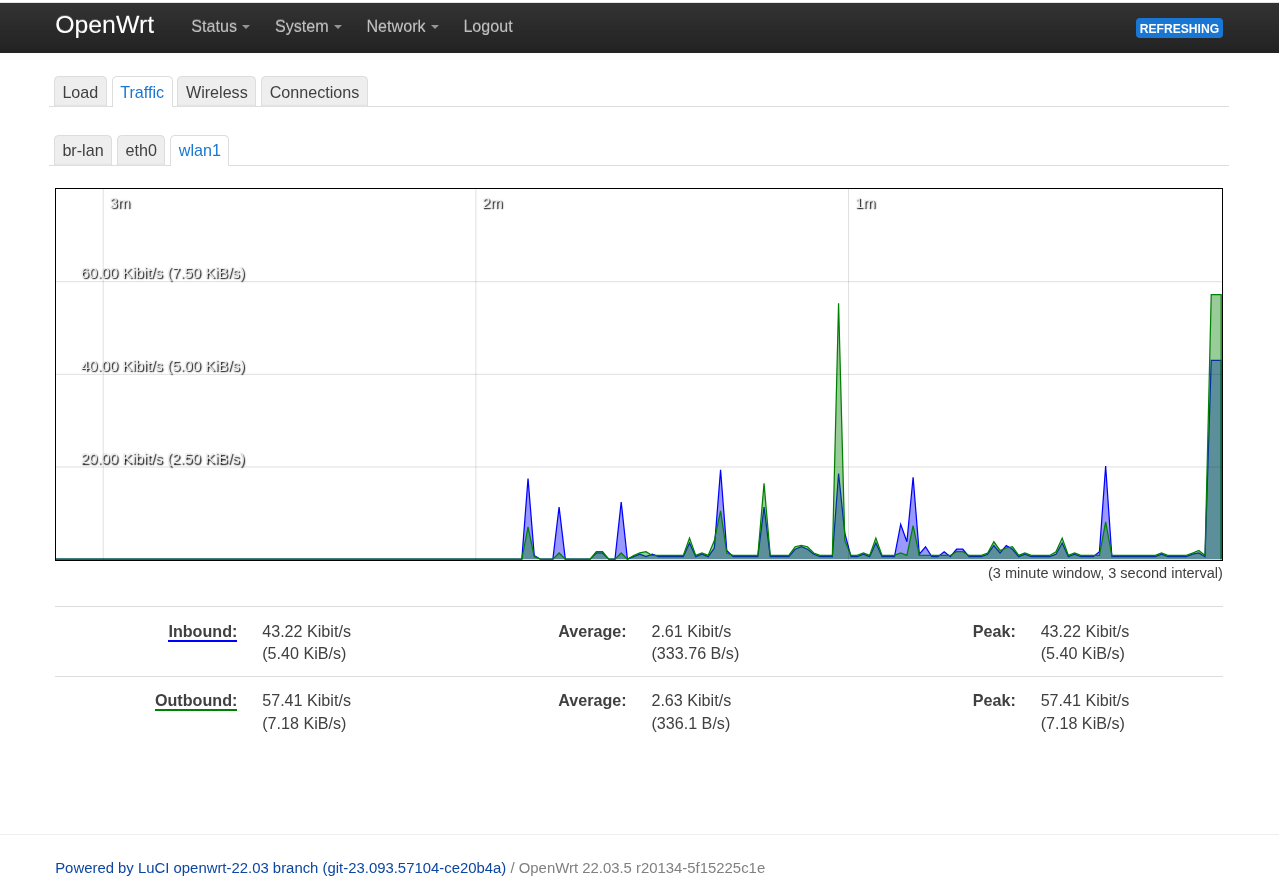
After a whole days work, mine now gives me this
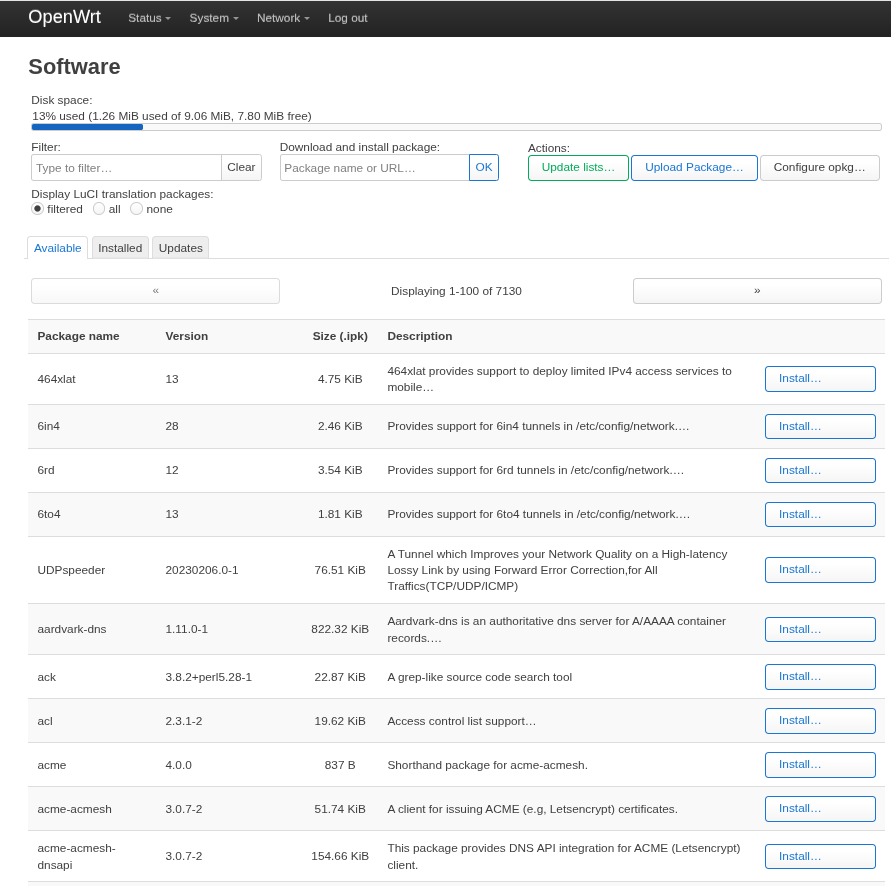
OpenWRT also has a lot of packages available, the list is in the router itself and includes Asterix etc. They are installed online straight into the router after selection.
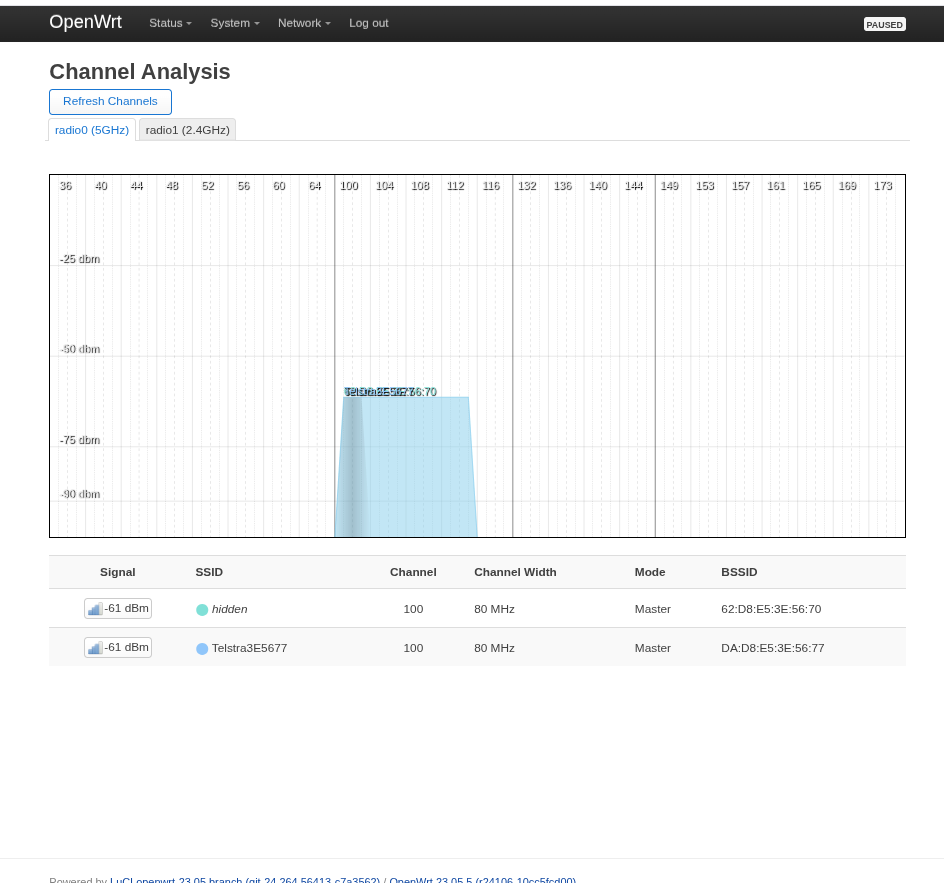
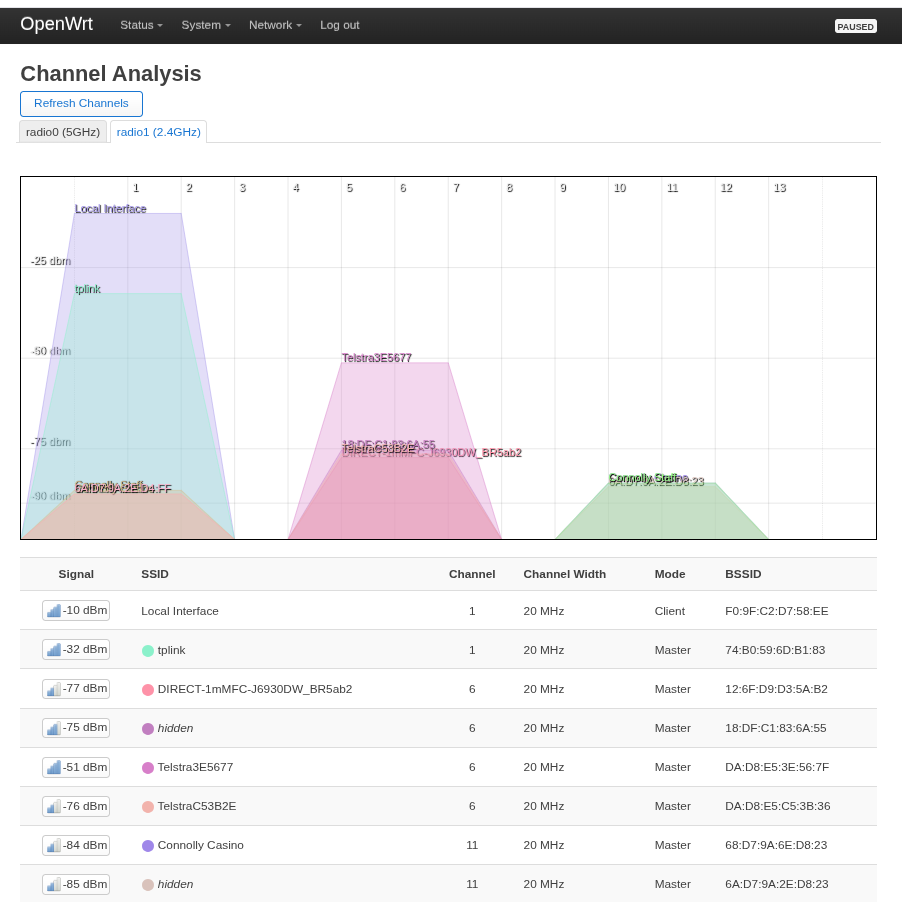
And some nice Wifi channel surveys, on the 5GHz and 2.45 GHz bands.
How did I get it finished ?
-
I had no Internet at all.
-
I did have my new kickarse AI NixOS pc, with qwen3:32b on two RTX3060 GPUS however.

-
After working on it from 8am to 5pm, I finally got it sorted, firewall, NAT, a DHCP server that gives out static IP’s based on the MAC address, and a DNS forwarder. This should have been straightforward even tho I had no clue, but the AI talked me thru all the issues. No way I could have done it by myself as I have no notes, no books on OpenWRT etc.
So next time someone says that they don’t believe AI is real, you can tell them you know someone who knows they are.
I asked so many dumb questions of the AI over the course of the day that a human would have remembered they had ‘to do their nails’ just to get the hell away from me, but AI’s have infinite patience and don’t need or want to be thanked, they’re just a a program.
And this AI seems to know about everything, from the correct syntax for Luci programming, to the latest cli apps used in Openwrt and how to configure with them.
It was literally a step ahead of my faultfinding the whole way. When I asked for suggestion why URL’s were not resolving after I had been over and over the DNSMASQ config, it suggested that perhaps DNSMASQ wasn’t running and to check the log.
Sure enough DNSMASQ wasn’t running because some pillock had specified the IP refresh interval as ‘84200 seconds’ and it was crashing on the word ‘seconds’. Just ‘84200’ was all it could handle.
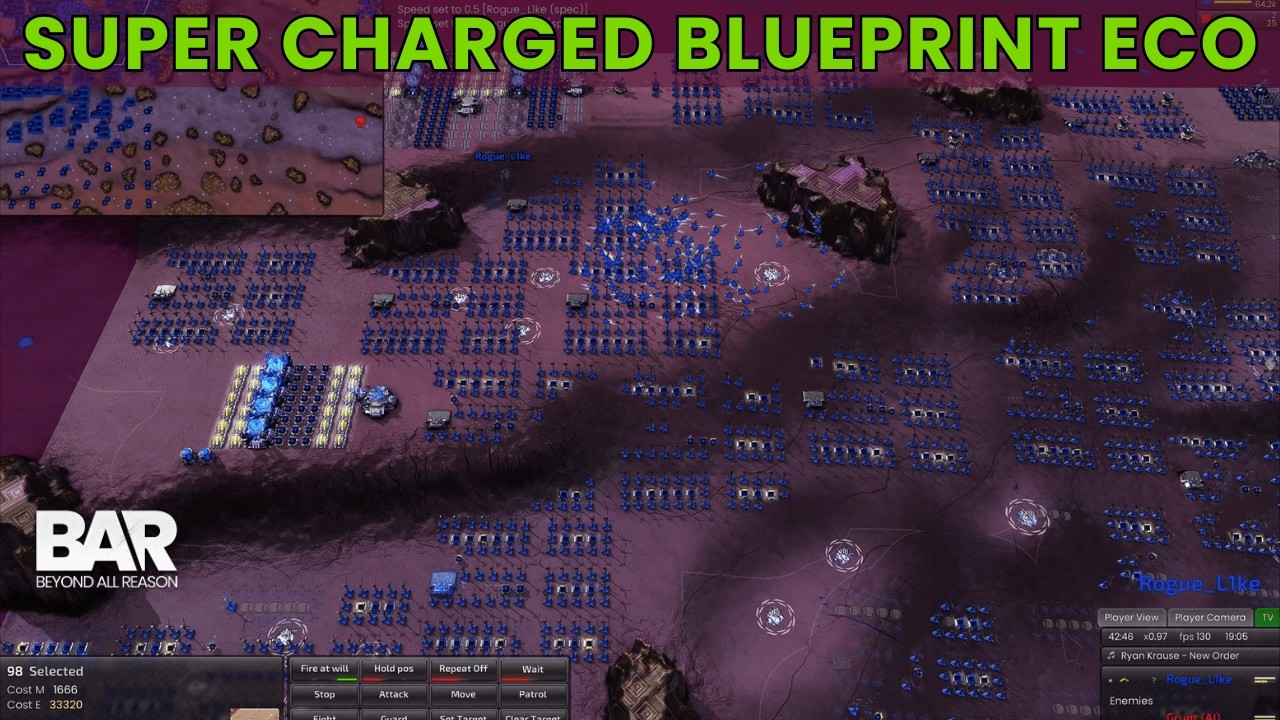
Thank goodness that’s all finished because Ive the need to play some more BAR (Beyond All Reason) as it’s utterly kick arse, the most sophisticated game I’ve ever seen.
Standalone battles with its AI are EPIC involving thousands of bots … and they never stop, it’s utterly exhausting!
However I’ve just learnt about ‘blueprints’ and can’t wait to try them out. Check out blueprints in the video below.