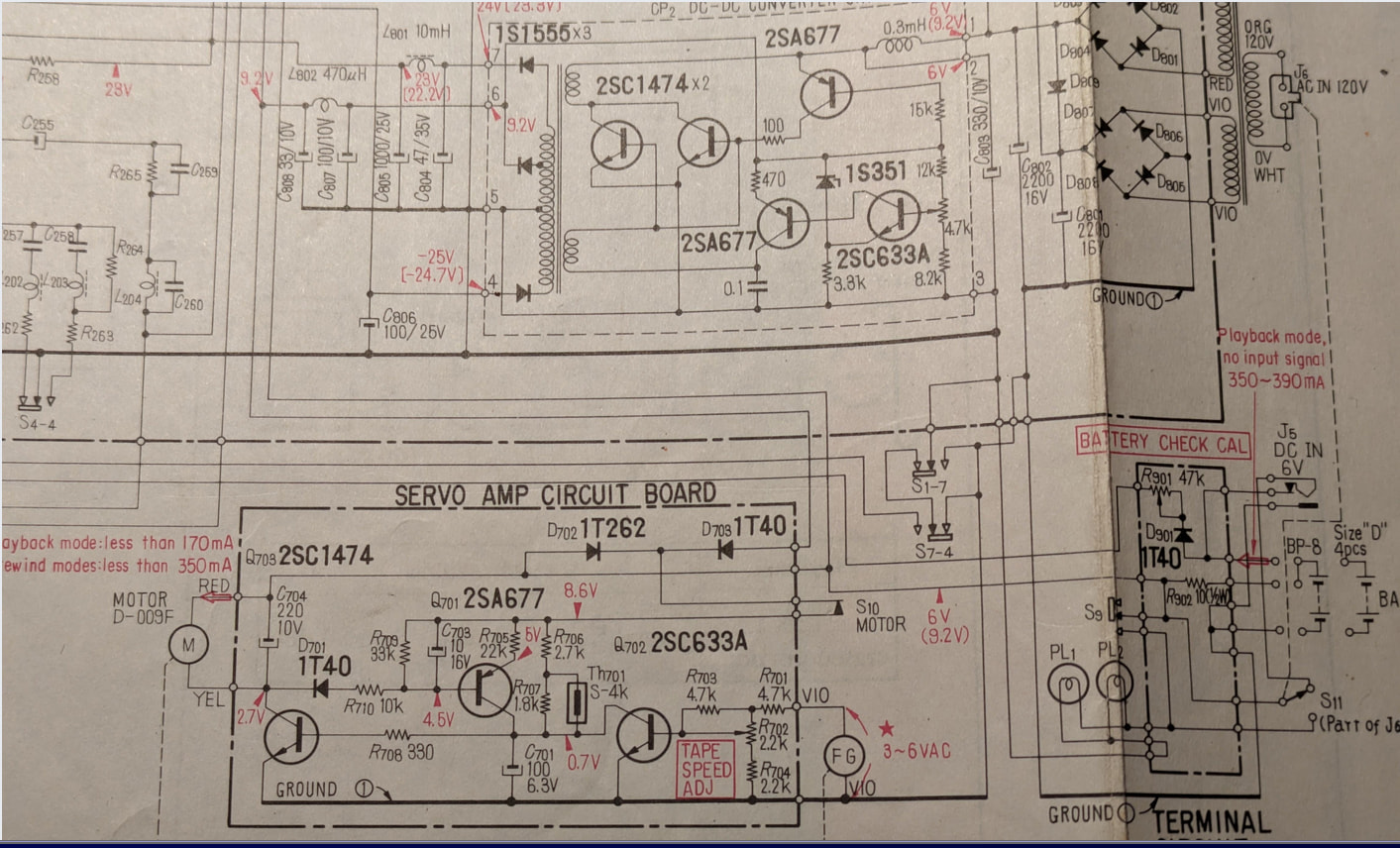
Z.ai/GLM-5: “if I needed a schematic checked for possible design issues, is sending you the netlist the best way ?”
No, sending just a netlist is usually not the best way.
While I can process a netlist, it is the equivalent of reading a phone book to understand the plot of a novel. You lose all the visual context, component values, and spatial relationships that are critical for catching design errors.
Here is a breakdown of why the netlist is difficult to work with and the best ways to get your schematic checked by an AI.
Why a Netlist is Problematic
A netlist is just a list of connections (e.g., R1_Pin1 connects to U3_Pin5). It lacks:
- Component Values: A netlist usually doesn’t tell me that
R1is 10kΩ or thatC1is 100pF. Without values, I cannot check if your RC filter cutoff is correct or if your pull-up resistor is too weak. - Visual Hierarchy: I cannot see if your grounding scheme is messy or if your feedback loops are dangerously long.
- Human-Readable Signals: Netlists often use generated names (like
N$14) rather than functional names (likeVCC_MOTOR), making it hard to understand the circuit’s intent.
The Best Methods (In Order of Effectiveness)
1. Screenshots or PDF Export (Best for General Reviews)
The most effective way is to export your schematic as a PDF or take high-resolution screenshots.
- Why: I can “see” the component values, part numbers, and the overall architecture.
- How: Upload the image/PDF and tell me the circuit’s purpose (e.g., “This is a 24V to 5V buck converter”).
- What I can check: I can verify pin connections, look for missing decoupling capacitors, check incorrect op-amp configurations, spot safety issues (like missing flyback diodes), and verify component sizing.
2. A Written Description (Best for Architecture/Logic)
If you want a logic check, describe the flow in text.
- Example: “I have a microcontroller driving an N-channel MOSFET. The MCU runs on 3.3V, the load is 12V. I am using a 10k pull-down resistor on the gate.”
- What I can check: I can immediately flag that a 3.3V logic level might not fully enhance a standard MOSFET, or suggest a gate driver.
3. The Netlist (Only for Specific Connectivity Checks)
If you do provide a netlist, it is only useful for specific checks, such as:
- Verifying that every pin has a connection (no floating inputs).
- Checking for short circuits (if the format allows).
- Tip: If you must send a netlist, ensure it is in a readable format (like a standard SPICE netlist) and includes component values/designators.
Summary Recommendation
For the best results, please do the following:
- Export the schematic to PDF or take a clear screenshot.
- Upload it here.
- Provide context: Tell me what the circuit is supposed to do and what specific concerns you have (e.g., “Will this blow up if the load draws too much current?” or “Is this oscillator circuit stable?”).
Note: As an AI, I can catch obvious design rule violations and theoretical errors, but I do not replace a design review by an experienced electrical engineer or formal ERC (Electrical Rule Check) software.