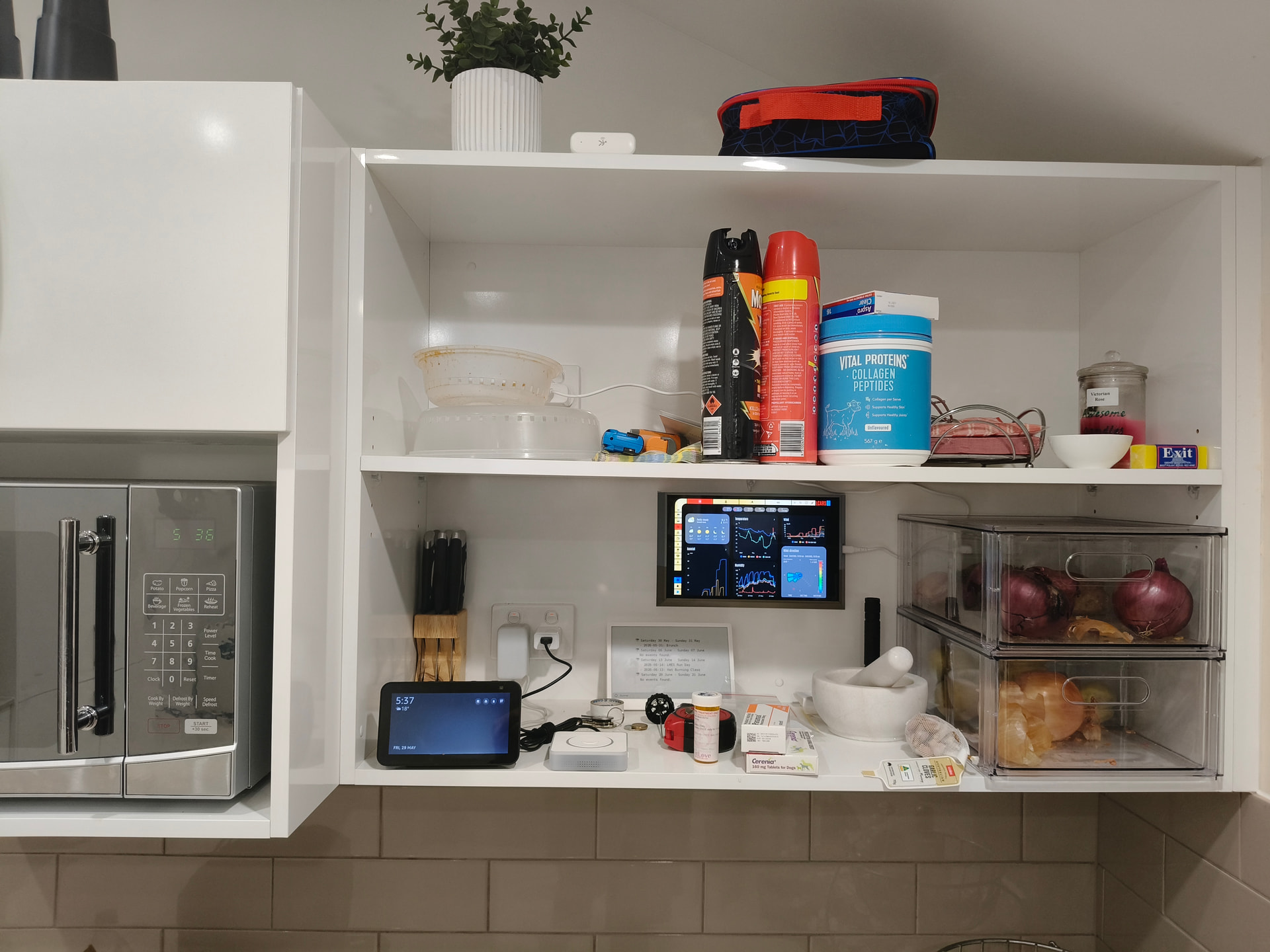
I’ve got an old Samsung Tab A that i want to set up as an always on control panel in the kitchen. My home assistant setup is more or less ready, and i’ve set up a “picture frame” 3D print to mount it on the wall. Now i’ve just got to work out the software setup.
The problems i’m going to need to work out are…
How to keep the display on 24x7
How to avoid logging on with my google account
…stuff like that.
Anybody else here done anything like this?
I’ve read a little about LineageOS, but my specific tablet isn’t “properly” supported, so i’m inclined to stick with stock Android 10.
Anyway, i’m about to embark on a potentially frustrating project. I suppose i’m trying to put together the support group i suspect i’m going to need
FWIW, I’ve got an old Lenovo 7 inch Android tablet that barely boots but it is enough to display power, weather and forecasts from home assistant. It sits next to my desk and as it is permanently powered on it does not go to sleep.
Nah, i just skipped all of the Google sign in stuff and side-loaded Fully Kiosk Browser.
It’s working very well, but i think i’ll need to manually obtain a .apk to update a web view library. My “current power usage” pie chart works very well on my desktop, but doesn’t render on that tabler, and i’ve seen a warning saying that some web view control needs updating, so i’m hoping that they are the same issue.
LineageOS looks like a very nice option, but it’s got a very specific list of supported devices, so if i ever go that way i’ll have to purchase the device specifically.