The card for my AI build has not arrived yet, so over the weekend I’ve gone back to my never ending pile of things I either need to find a use for, or get rid of.
5-6 years ago I bought a GL.iNet MT-300N-V2 (Mango) router on special for about $25. It still regularly shows up on sale for sub-$30 despite being quite an old model now. It’s a tiny 802.11a/g/n router with 2x 100Mbit Ethernet ports, a USB port, and a physical switch. GL.iNet include some unusual features in their routers such as external Wifi antenna connectors (I think they’re U.FL, but don’t quote me on that), UART, and GPIO. GL.iNet also encourage custom firmware development and flashing by end users. This particular router has very limited flash storage (16MB) and RAM (128MB), but can still be useful for plenty of projects and uses besides routing.
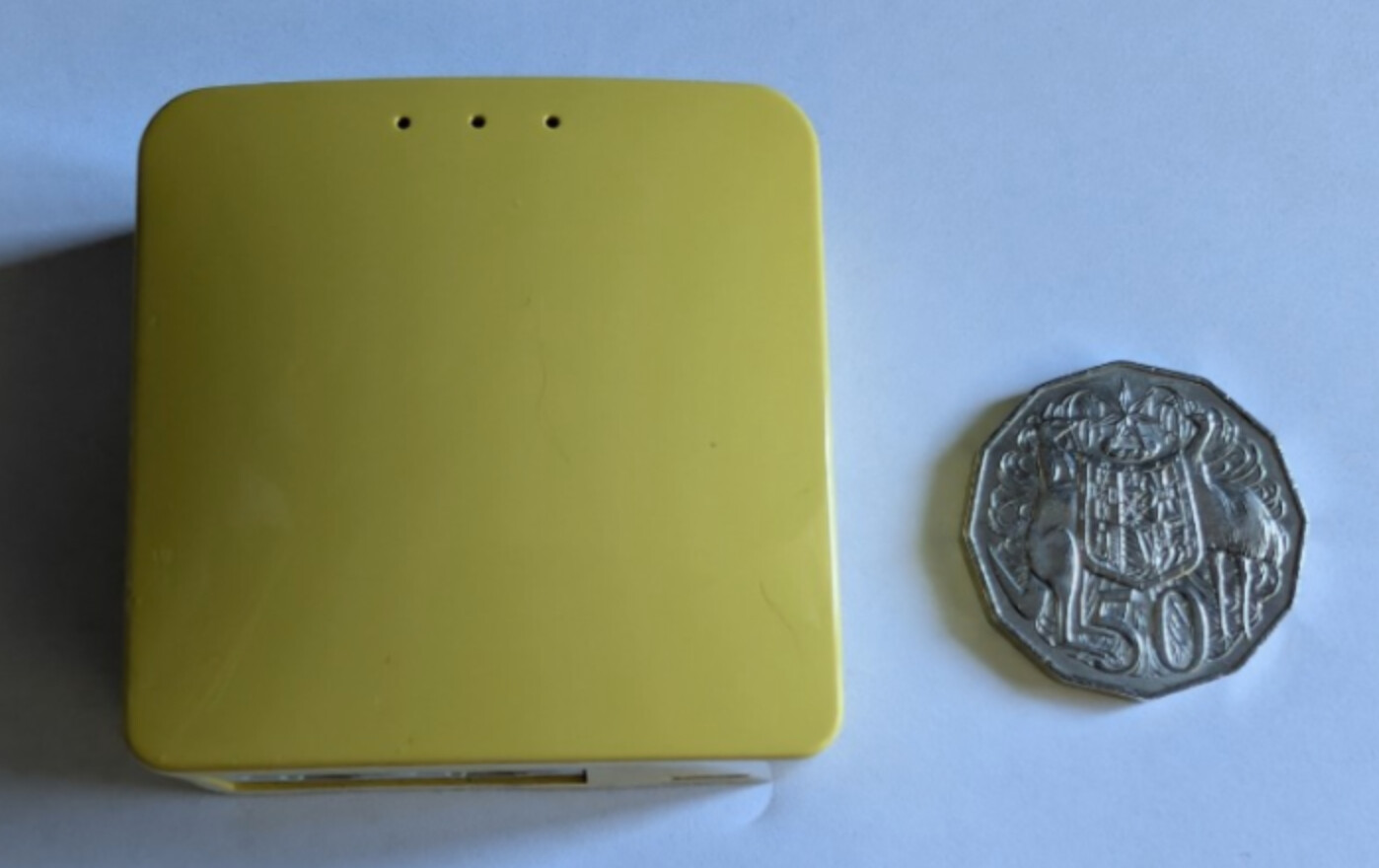
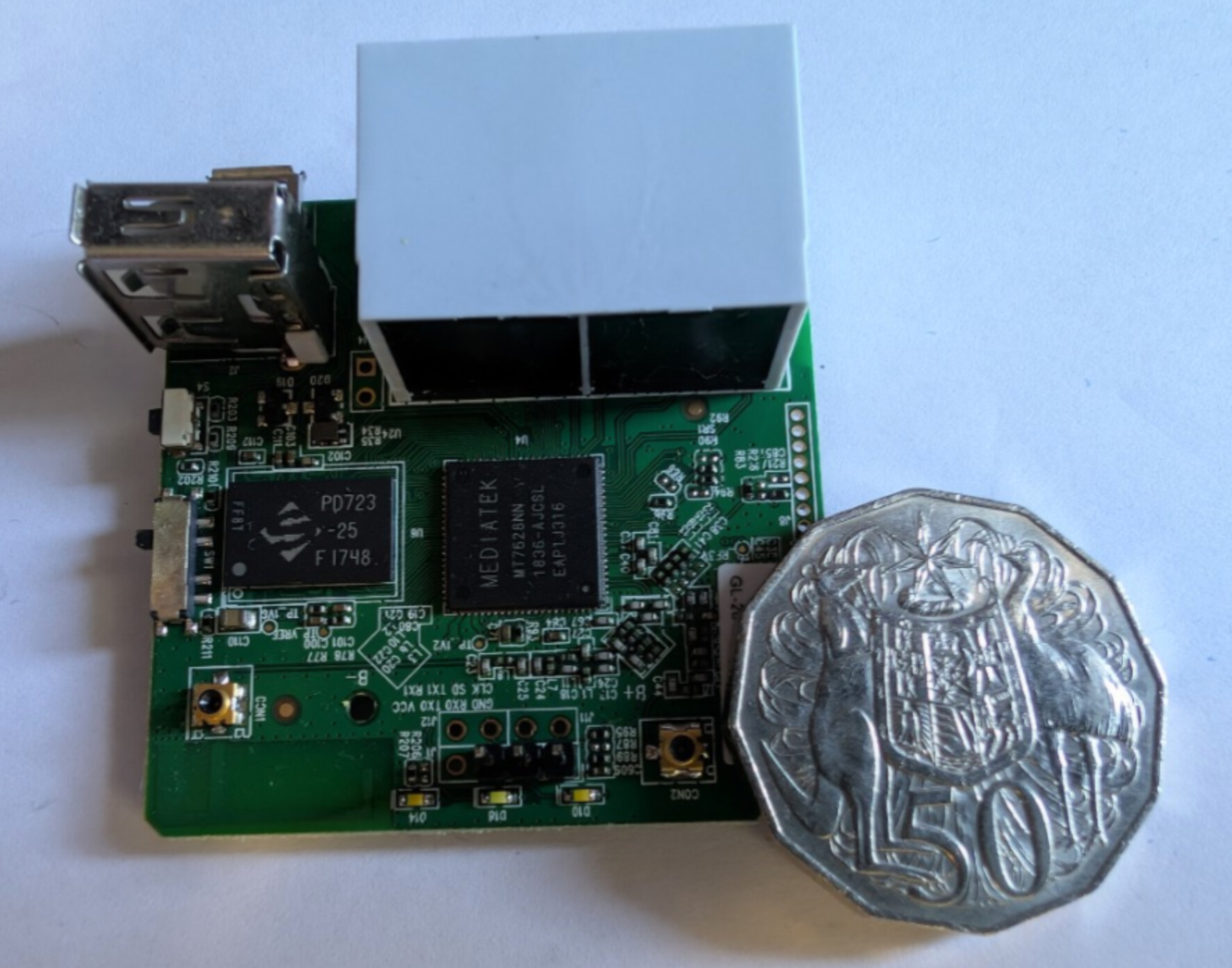
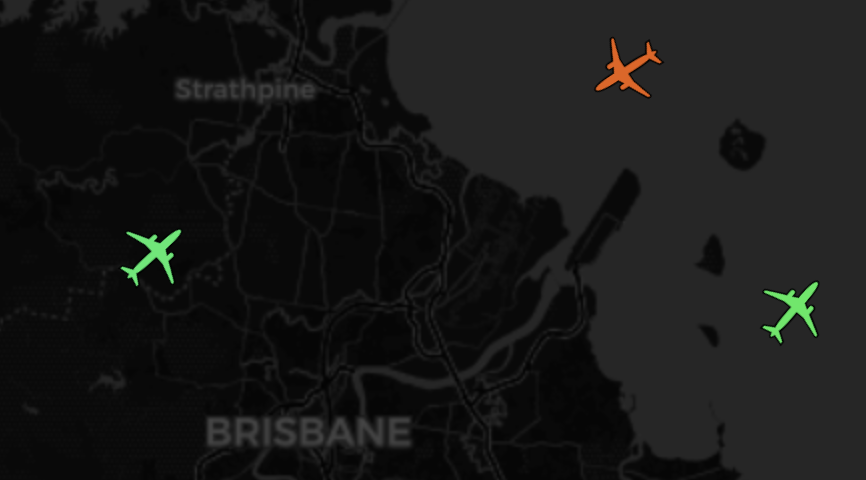
I’ve decided to repurpose it as a basic ADS-B receiver. I have used several hardware configurations for receiving and decoding ADS-B data over the years, and this specific unit will either replace an ageing and long suffering Raspberry Pi 3 at a remote site, or will be built into a weatherproof box with PoE injector to relocate the receiver closer to the antenna at another site. This isn’t a tutorial on ADS-B decoding, but merely an excuse to highlight the extensibility of OpenWrt if you’ve got some older (or newer!) equipment at home which could be given a new lease of life with up to date and extensible firmware, or repurposed for another homelab project. A low power embedded system such as this can be a good alternative to a Raspberry Pi for many projects.
If you’ve never played with OpenWrt before, it’s a feature rich, free and open source Linux based embedded operating system primarily for routers. There’s an extensive list of supported hardware, including the MT300N-V2.
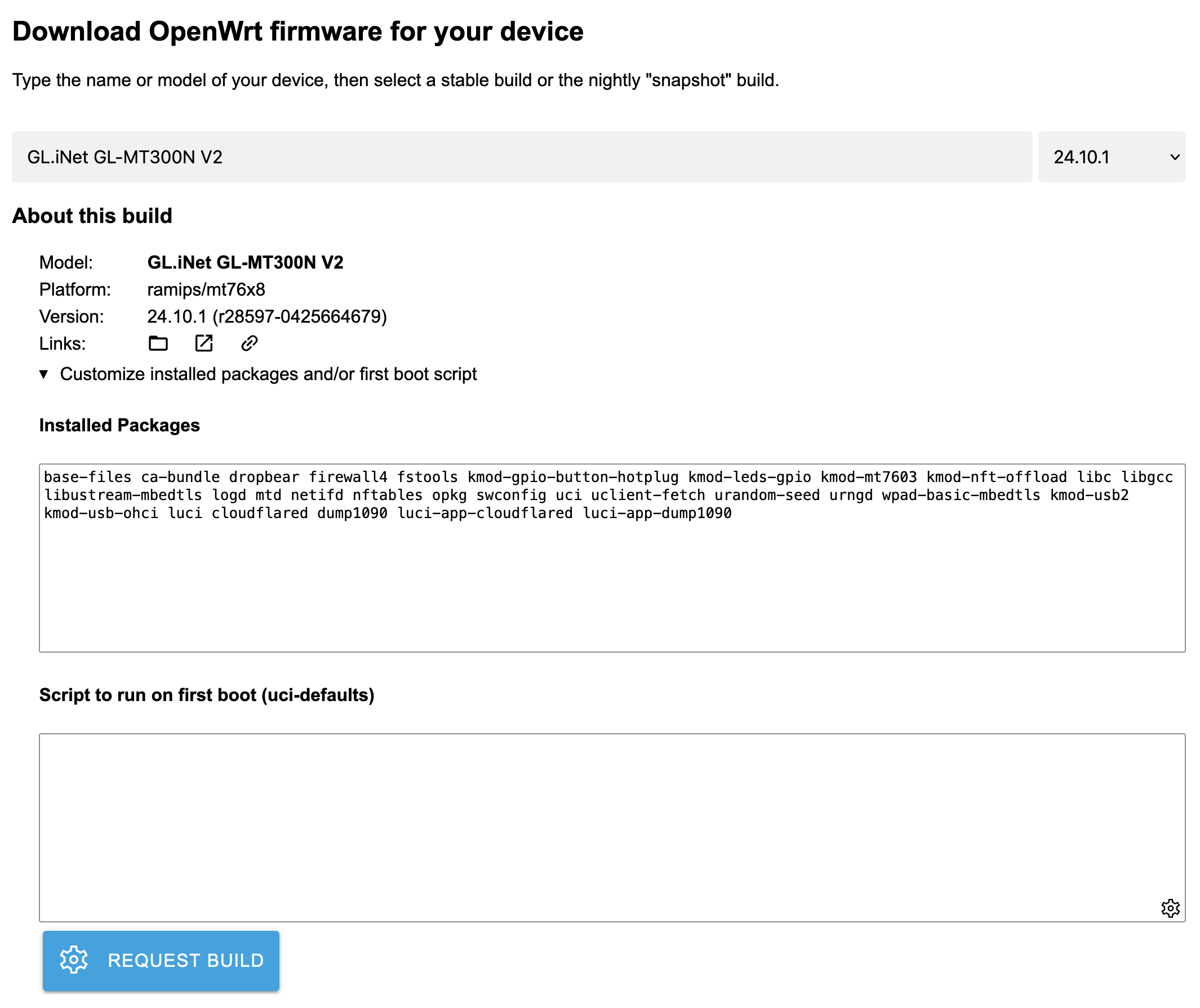
One of the very cool things about OpenWrt is the Firmware Selector. There are pre-built images for supported devices, but the Firmware Selector allows you to custom build a firmware entirely via the OpenWrt website, incorporating only the packages and config you require.
For my use case, I removed several packages from the default selection due to the space and memory constraints of the MT300N-V2, and added cloudflared, dump1090, luci-app-cloudflared, and luci-app-dump1090, clicked Request Build, downloaded the provided image, and flashed it onto my router like any standard firmware update. Cloudflared provides the framework for a Cloudflare Zero Trust tunnel* (which I use for remote SSH or tunnel access in certain uses cases) as well as dump1090 which decodes ADS-B and Mode-S data from aircraft via low cost USB RTL-SDR (TV Tuner) devices. Admittedly, the packaged versions of both are quite old, but they’ll be sufficient for a sub 3 watt device which will be doing nothing but decoding data from USB and sending it elsewhere for processing. the luci- packages provide a web interface for both cloudflared and dump1090. I removed PPP support from the packages as they’ll never be used in this case. My final config on the Firmware Selector site is below:
It flashed via the normal web interface, and worked after minor configuration and adding the RTLSDR device.
If you haven’t played with OpenWrt before, it’s definitely worth checking out and it will run on standard x86 hardware. The supported hardware list is quite comprehensive so I’d be surprised if you don’t already have something in your homelab or work shop which is crying out for a project! Rolling your own builds is entirely optional as there are prebuilt images for most supported hardware, but it can also be a good way to experiment with building a custom router firmware without the hassle of needing to compile it yourself.
Cheers,
Belfry
- Yes, Cloudflare Tunnels are just WireGuard with a hat on. I do use WireGuard elsewhere, but over the past 5+ years I’ve found that CF’s implementation (and no doubt their extensive infrastructure) have meant that my janky remote sites are significantly more resilient than WireGuard directly. I’m also experimenting with ZeroTier for a similar use case, and am yet to try out Tailscale. I’m always open to FOSS suggestions here!
 . We certainly agree there!